
VLESS with REALITY
VLESS with REALITY is the inbound most operators start with. It needs no domain and no certificate of your own, it runs on one TCP port, and almost every client app reads it. This page covers the fields that matter and the choices that are yours to make.
What it is good for
REALITY is a TLS mode. To your users' apps it is TLS to your node, keyed to the node; to anyone else who connects, the node answers as the real website you name, with that site's own certificate. You get TLS without a certificate to issue or renew, and a port that looks like an ordinary HTTPS site.
What it cannot do: sit behind a CDN. A CDN presents its own certificate, and REALITY is pinned to the inbound's own key, so the panel refuses a domain front on a REALITY inbound. Use a WebSocket, gRPC or XHTTP inbound with TLS for that.
Create it
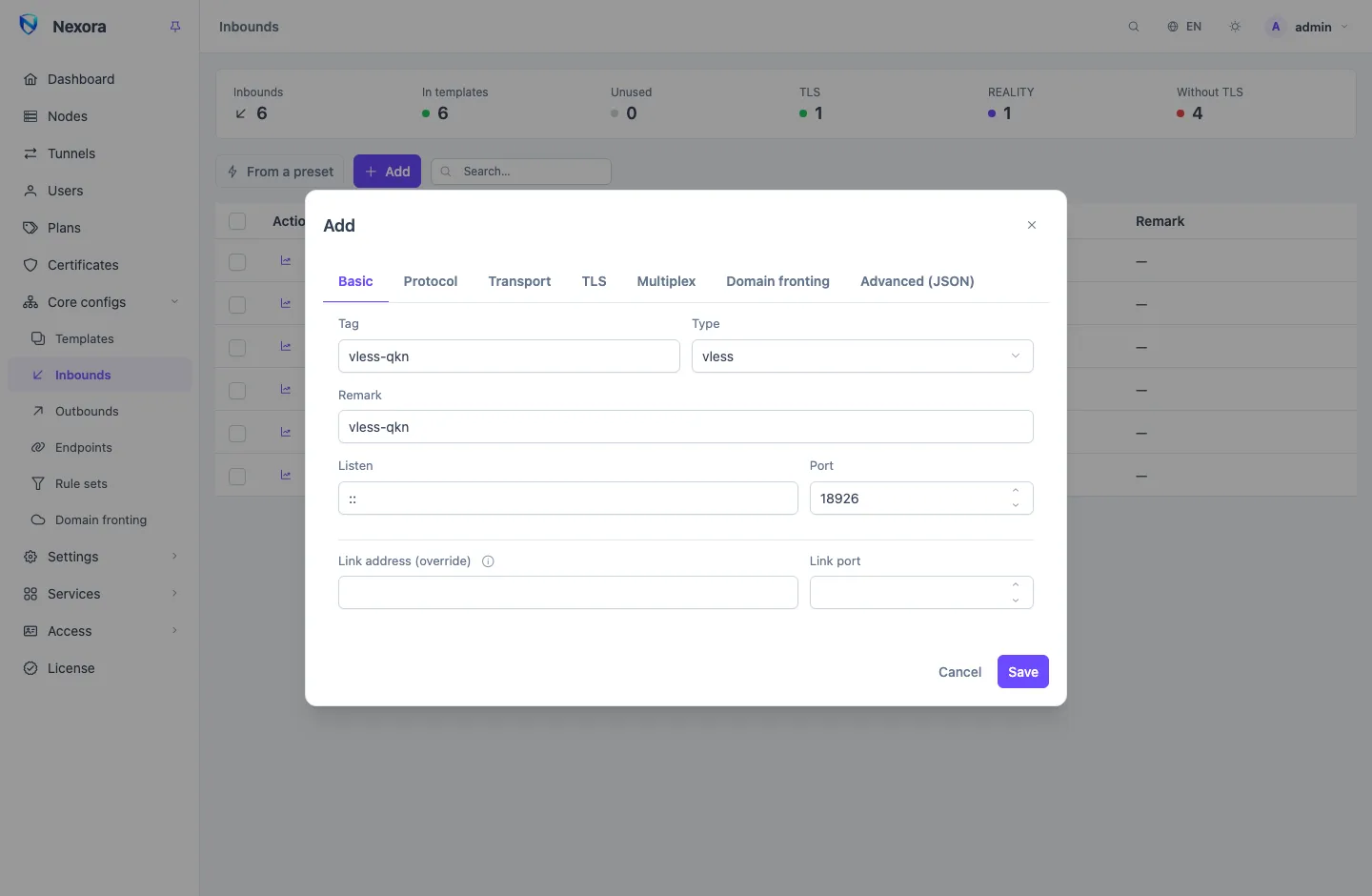
- Open Inbounds and choose From a preset, then VLESS + REALITY. This fills the ordinary form; nothing is created yet.
- Check the Port on the Basic tab. 443 is the natural choice when the node has nothing else on it.
- On the TLS tab, pick the target site (below), or keep the suggested one for now.
- Save. The panel generates the key pair and the short IDs as it saves.
- Add the inbound to a Template that your nodes are on.
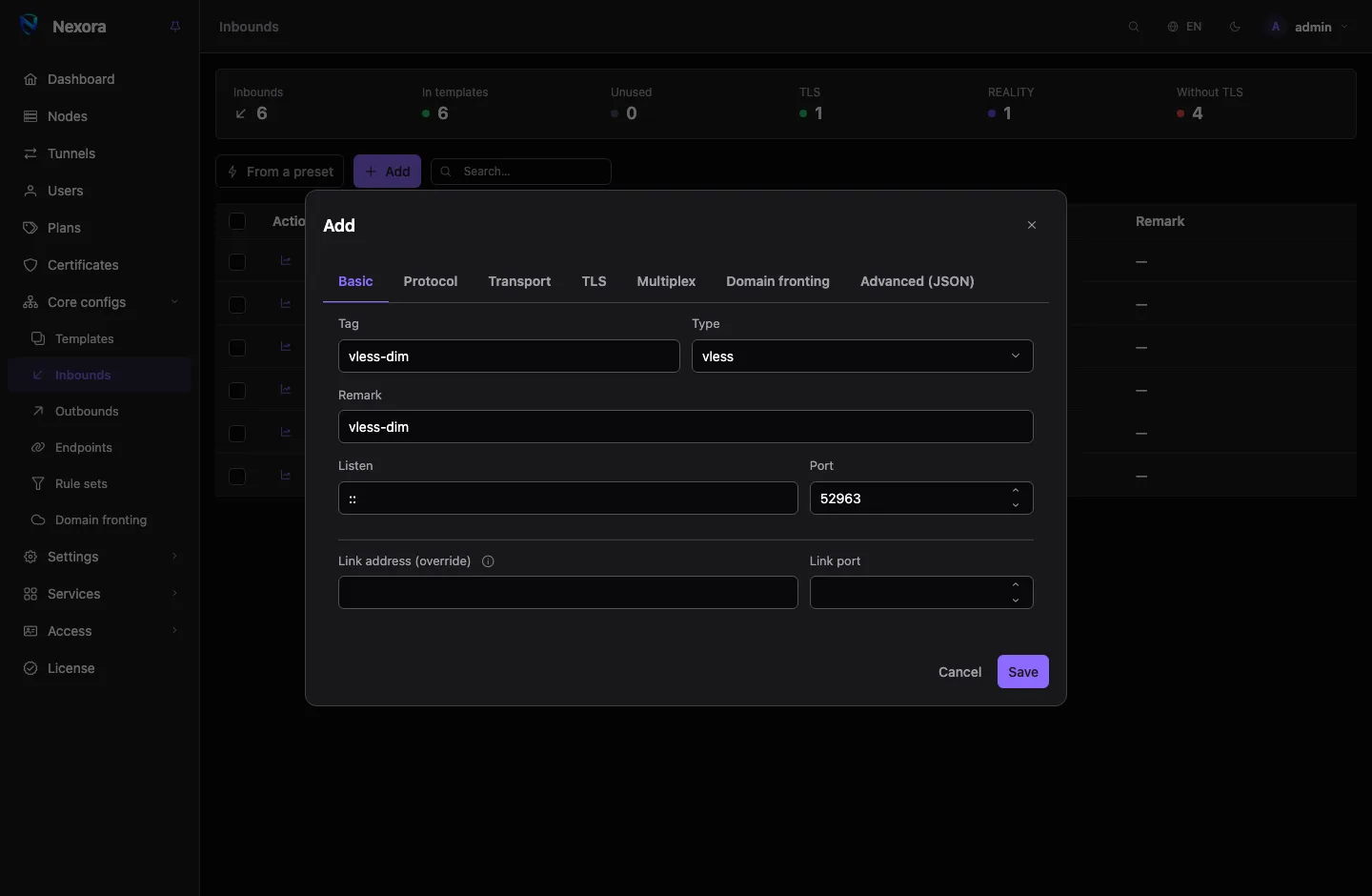
You can also build it by hand: Add, type vless, then REALITY on the TLS tab. See Inbounds for the rest of the form.
The target site
These three fields on the TLS tab decide which site the node answers as:
| Field | What it is |
|---|---|
| Server name (SNI) | the name your users' apps present. Empty takes the handshake server's name |
| Handshake server | the real site whose TLS the node relays to anyone who is not your user |
| Handshake port | that site's port, normally 443 |
What makes a good target depends on the node's network:
- Reachable from the node, quickly. The node contacts it as connections arrive, so a slow or unreachable target makes the inbound slow or dead.
- Serves TLS 1.3. A site that does not cannot be borrowed.
- Plausible for that server. A site that a server in that country and that hosting provider would believably carry traffic for.
- Not blocked on your users' networks. A blocked name is blocked for your inbound too.
The form suggests a target so that a new inbound works at once. Choose your own for each inbound you put into service; the same site on every install is easier to spot than a varied one. Nodes in different places can serve different inbounds with different targets.
Test from the node
The panel does not test targets for you: a test from the panel's network says nothing about the node's. Check a candidate from the node itself, for example with curl -sv --tlsv1.3 https://example.com -o /dev/null.
Keys and short IDs
| Field | |
|---|---|
| Private key | the server's half. Generated on save when empty or unusable |
| Public key | derived from the private key and put into every link; shown for reference |
| Short IDs | one per line. Each link a user receives picks one of them |
Generate a new keypair + short IDs replaces both, and Issue 24 fresh random short IDs replaces only the short IDs. Either one changes what every link must carry: users keep working only after their app refreshes its subscription. Do it when you have a reason to, and tell your users to update.
The key never has to be copied anywhere by hand. The panel puts the public key and a short ID into each user's links and subscription files.
The vision flow
xtls-rprx-vision is a VLESS option that suits REALITY and TLS over plain TCP. It is set per user, as Flow (VLESS) on the user's Credentials tab, and new accounts get it by default.
The panel drops it by itself wherever it cannot work: on an inbound with a transport (WebSocket, gRPC, XHTTP and the rest), on one without TLS or REALITY, and on one with VLESS Encryption. So a user who has the flow set can still use every VLESS inbound you offer; you never have to make separate accounts for it.
Client settings
The Client settings (links & subscriptions) part of the TLS tab goes into links only and never reaches the node. The field most operators touch is the uTLS fingerprint, the browser the app imitates during the handshake.
Client apps
A VLESS + REALITY inbound over plain TCP reaches every subscription format: share links, Clash (mihomo) apps, sing-box apps (SFA, Karing, NekoBox) and Xray-based apps (v2rayNG, v2rayN, Streisand, Happ).
Caveats
- REALITY with the
quictransport is refused. QUIC brings its own TLS. - REALITY also works on VMess, Trojan, HTTP and AnyTLS inbounds. VLESS is the usual pairing because of the vision flow.
- Clock drift. Max time difference (advanced) limits how far a client's clock may differ from the node's. Leave it empty unless you know you need it.
Related
- Protocols — every protocol compared
- One port for many inbounds — REALITY and other inbounds on one port
- Domain fronting — the CDN route REALITY cannot take