
Plans
A Plan is a preset of limits that a new user is created with: a volume, a length, device and speed limits, a reset cycle and the templates. Use plans for what you sell, so every account of one kind starts the same way.
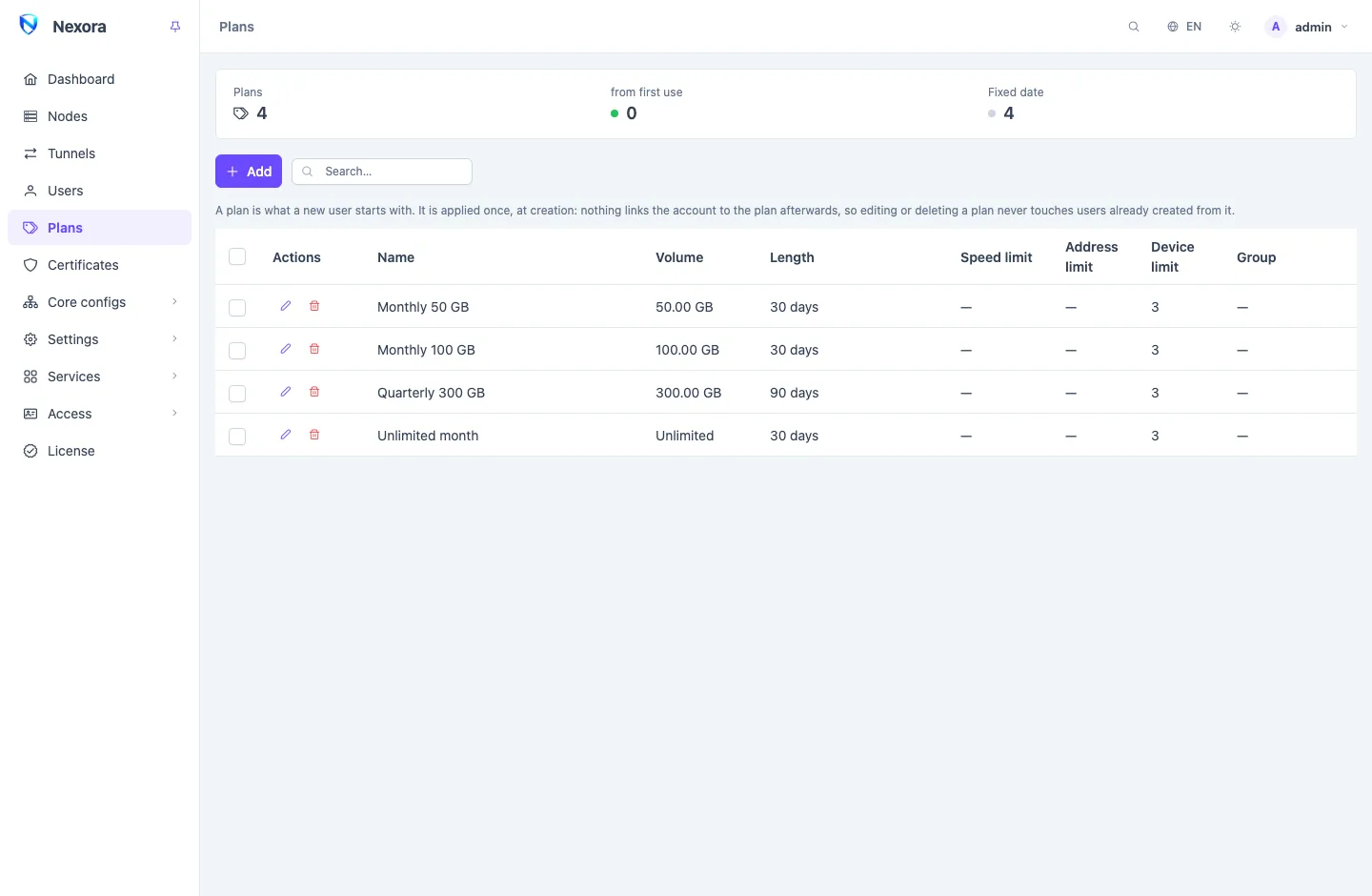
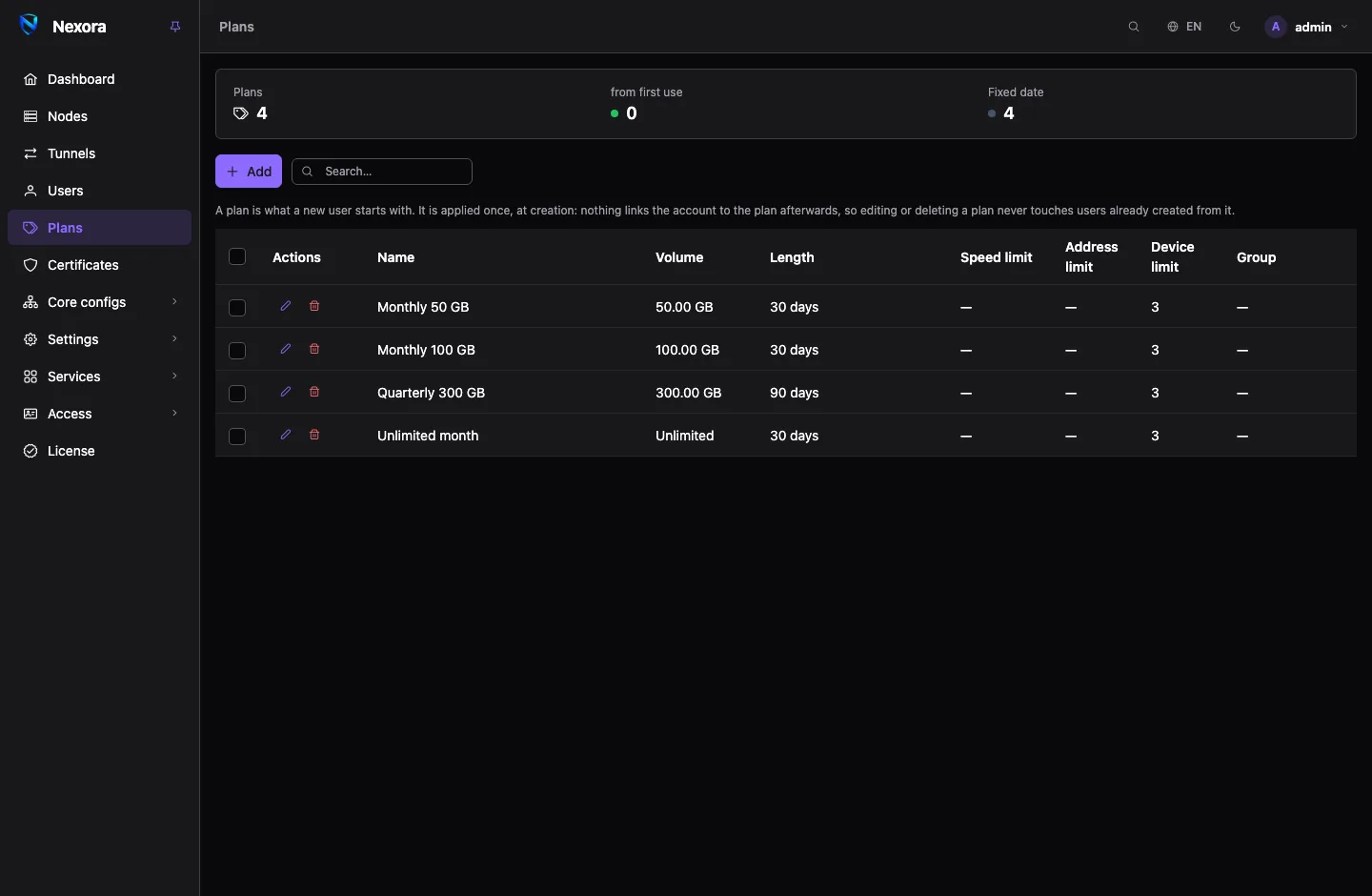
A plan is applied once
When you create a user from a plan, the panel copies the plan's values onto the account, and that is the end of it. Nothing links the account to the plan afterwards.
- Editing a plan never changes accounts already created from it. You can change prices and limits in your catalogue without touching what customers already bought.
- Deleting a plan leaves its accounts with every limit they were given.
- Editing an account later does not re-apply its plan.
The only trace a plan leaves on an account is its Group (below), which is how you find the plan's accounts again.
Creating a plan
Press Add on the Plans page (in the sidebar under Users).
| Field | |
|---|---|
| Name | how the plan is offered in the user form |
| Order | where the plan sits in the list. Equal values fall back to the order they were created in. |
| Volume | traffic allowance in GB. 0 is unlimited. |
| Length (days) | how long an account lasts. 0 never expires. |
| Start on first connection | count the length from the customer's first connection instead of from creation (below) |
| Speed limit, Address limit, Device limit | as on a user. 0 is unlimited. See Users. |
| Auto reset | reset the used traffic on a cycle: every N days, weekly, monthly or yearly, in the Gregorian or Persian calendar. See Users. |
| All templates, Templates | which templates, and so which nodes, the plan's accounts are served on |
| Group | written onto every account the plan creates |
| Name prefix, Name suffix | wrapped around the name typed at creation: a prefix of r1_ turns ali into r1_ali |
| Description | a note for you |
Fixed date or first connection
Start on first connection decides when the length starts:
- Off: a fixed date. The expiry is set when the account is created: a 30-day plan created today ends in 30 days, whether the customer has used it or not. The list shows the length alone.
- On: from first use. The account waits as Not started and does not expire until it first passes traffic. The length starts then. The list marks these plans from first use.
Choose the second for accounts you sell ahead of time, such as a batch handed to a reseller or printed on cards: nobody loses days to the time it takes to set up an app.
Creating users from a plan
In the user form, Plan offers Unlimited — no limits at all, Set limits by hand, and every plan. Picking a plan fills in its limits and hides them, because the numbers are the plan's. The form shows the final name with the plan's prefix and suffix (Saved as {name}).
Batch creation (Create users in bulk…) takes a plan too, so a whole batch starts identical. See Groups and bulk operations.
Plans for resellers
A plan is also how you control what a Reseller sells. On the reseller's account in Admins:
- Turn on Sell from plans only.
- Pick the Allowed plans.
From then on every account that reseller creates must come from one of those plans, and the panel applies the plan's limits whatever the request asked for. The reseller can later change an account's name and credentials, but not one limit. It sees only the plans it may sell. See Resellers.
A role can also cap the longest plan that accounts on it may sell (Plan length (days)), counted from the customer's first connection. See Roles.
Related pages
- Users: every limit in detail.
- Groups and bulk operations: finding a plan's accounts by group and changing them together.
- Resellers: selling through resellers.