
Admins
An admin is an account that logs in to the panel: you, your staff, and your resellers. This page covers creating them, choosing what each may do, resetting passwords and ending logins. It lives under Access → Admins and is open to main admins only.
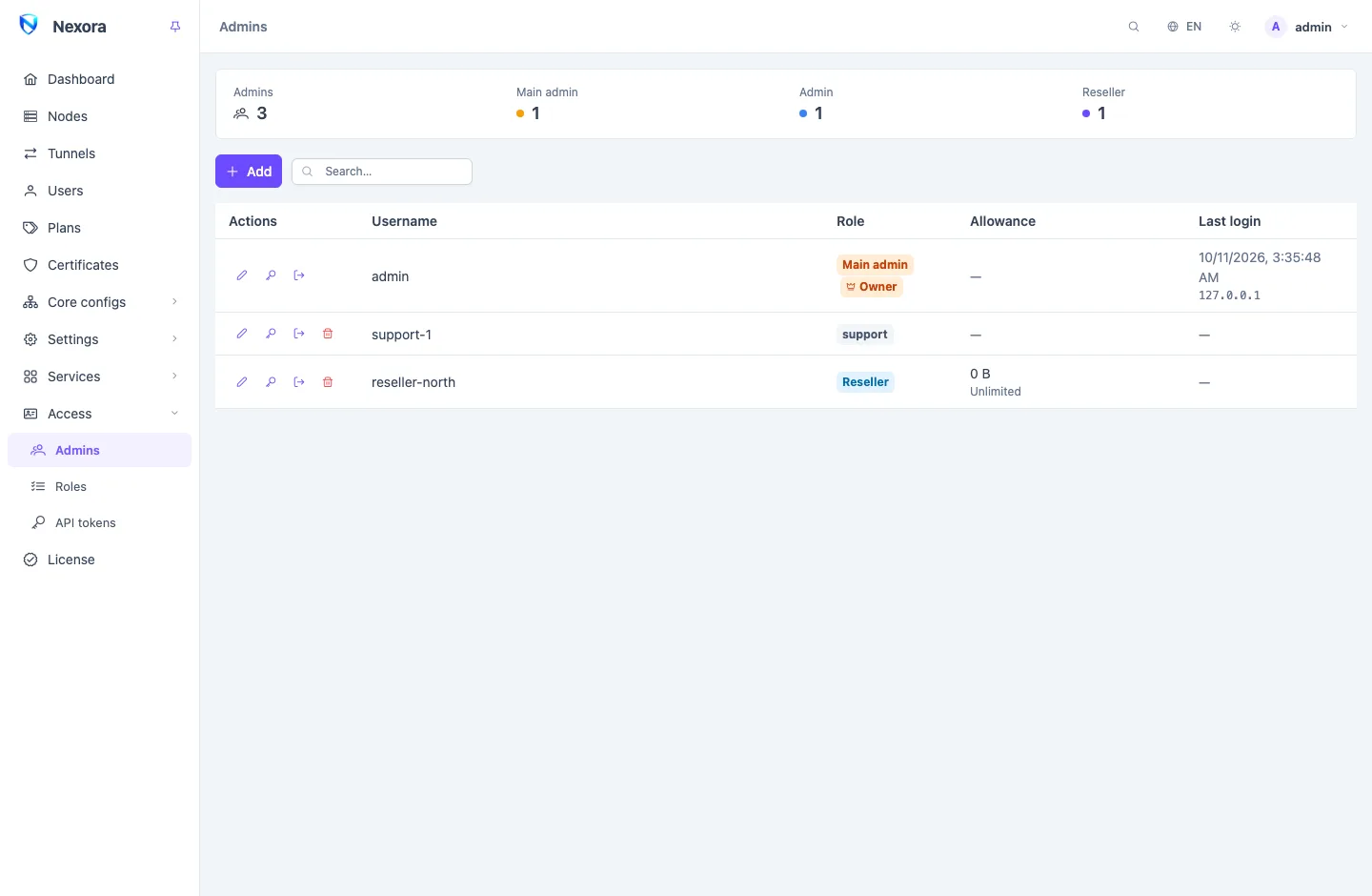
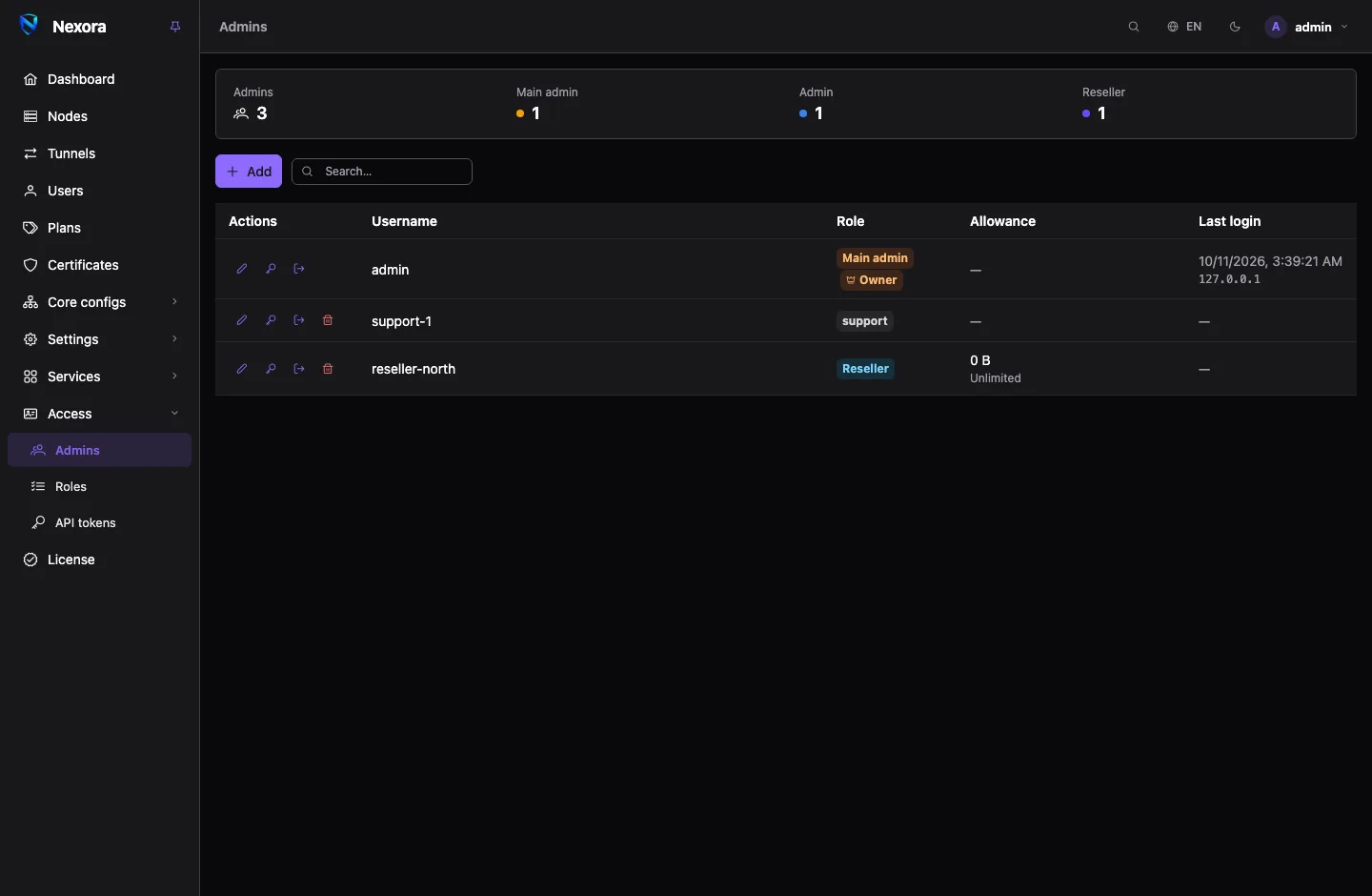
The three tiers
Every account has a Role, and every role sits on one of three tiers. The tier decides which part of the panel the account reaches at all.
| Tier | Shown as | Reaches |
|---|---|---|
| Main admin | Main admin | Everything, including admin accounts, roles, API tokens, the licence, backups, services and addons. |
| Admin | Admin (on the Roles page, Operator) | Runs the panel: users, nodes, tunnels, templates, inbounds and outbounds, certificates and settings. Not the panel's own administration. |
| Reseller | Reseller | Its own book of users and nothing else. See Resellers. |
The three built-in roles carry these names. A custom role narrows one of the tiers further, for example an operator who may see nodes but not change them. See Roles.
The list shows each account's role, a crown on the Owner, a 2FA tag when two-factor authentication is on, a reseller's allowance and its expiry, and the last login with the address it came from.
The panel owner
One main admin is the Owner: the account that set the panel up, unless ownership was handed over since. The owner:
- cannot be deleted;
- cannot be moved off the main admin tier;
- is the only account that can hand the panel over;
- is the account
nexora-panel admin reset-passwordpicks when you give it no username (see Command line).
There is always exactly one owner, so there is always one account you can get back into from the server console.
Handing ownership over
- Make sure the new owner is already a main admin.
- Log in as the current owner, open the new owner's row menu and choose Hand over ownership.
- Confirm.
You stay a main admin; only the new owner can hand the panel on after that. The handover is done from the owner's own login, never with an API token, and the event admin.owner_changed records it. Addons registered on the panel keep working: their tokens move to the new owner with the ownership.
Creating an account
- Add.
- Fill in Username and Password.
- Pick a Role.
- For a reseller, set its allowance: Volume allowance, Reset cycle, Account expiry (days from now), Max users, and whether it May edit and delete users or must Sell from plans only. What each one does is on the Resellers page.
- Save.
The new account logs in at the panel's address with that username and password. It can then change its own password, set up two-factor authentication and link a single sign-on identity from its own menu.
TIP
If two-factor authentication is on for your account, creating, editing or deleting an admin asks for your code again when your last one is more than ten minutes old. See Security.
Editing an account
Edit on a row changes the username, the role and, for a reseller, its allowance. Changing an account's role ends every login it has: the account logs in again and gets the new role's reach. Its paired Telegram chats and email addresses follow the new role at once.
The panel refuses two edits:
- moving the owner off the main admin tier (hand ownership over first);
- moving the last main admin off the main admin tier.
Resetting a password
Change password on a row sets a new password for that account. You do not need its current one.
When you reset another account's password, the panel also:
- ends every login of that account;
- removes its single sign-on links, its paired Telegram chats and its confirmed email addresses.
Whoever had the old password therefore keeps no way back in. The account links and pairs its own again once it is back in its owner's hands.
To change your own password, use Change password on your account menu, which asks for your current one. If you have lost access to every main admin, use nexora-panel admin reset-password on the server, which also turns off the account's two-factor authentication (see Command line).
Ending sessions
Sign out everywhere on a row ends every login of that account without changing anything else: for a lost laptop or a person who has left. The account can log in again with its password.
Each account sees its own logins under Sessions on its menu: the address, the client and the last activity of each. From there it can End session on one or Sign out everywhere else. A session survives a panel restart and ends after 24 hours without use, or 30 days for a remembered login.
Deleting an account
Delete on a row removes the account. Along with it:
- its users move to the panel (they keep working; nobody owns them any more);
- its API tokens are deleted;
- its Telegram chats, email addresses and single sign-on links are removed;
- its logins end.
You cannot delete your own account, the owner, or the last main admin.
What an admin cannot do to accounts above it
A main admin on a narrowed custom role (see Roles) has less reach than the built-in Main admin. The panel keeps such an account from reaching past itself. It cannot:
- give an account a role on a higher tier than its own;
- give an account a role that holds permissions it does not hold itself;
- edit, reset the password of, end the sessions of, or delete an account whose role holds permissions it does not hold;
- hand over ownership, unless it is the owner.
Each of these is answered with a message saying the account holds permissions you do not hold yourself. The rule is the same for an API token: a token acts as its admin and never more (see API tokens).
Related
- Roles: custom roles and their limits.
- Resellers: a reseller's allowance, plans and expiry.
- API tokens: API tokens bound to an admin.
- Security: two-factor authentication and login protection.
- Audit log: the record of every login and change.