
Groups and bulk operations
The users page can act on many accounts at once: the rows you tick, or every account the page is filtered to. This page covers groups, the two menus that start bulk work, what each operation does, and what the panel refuses to change and why.
Groups
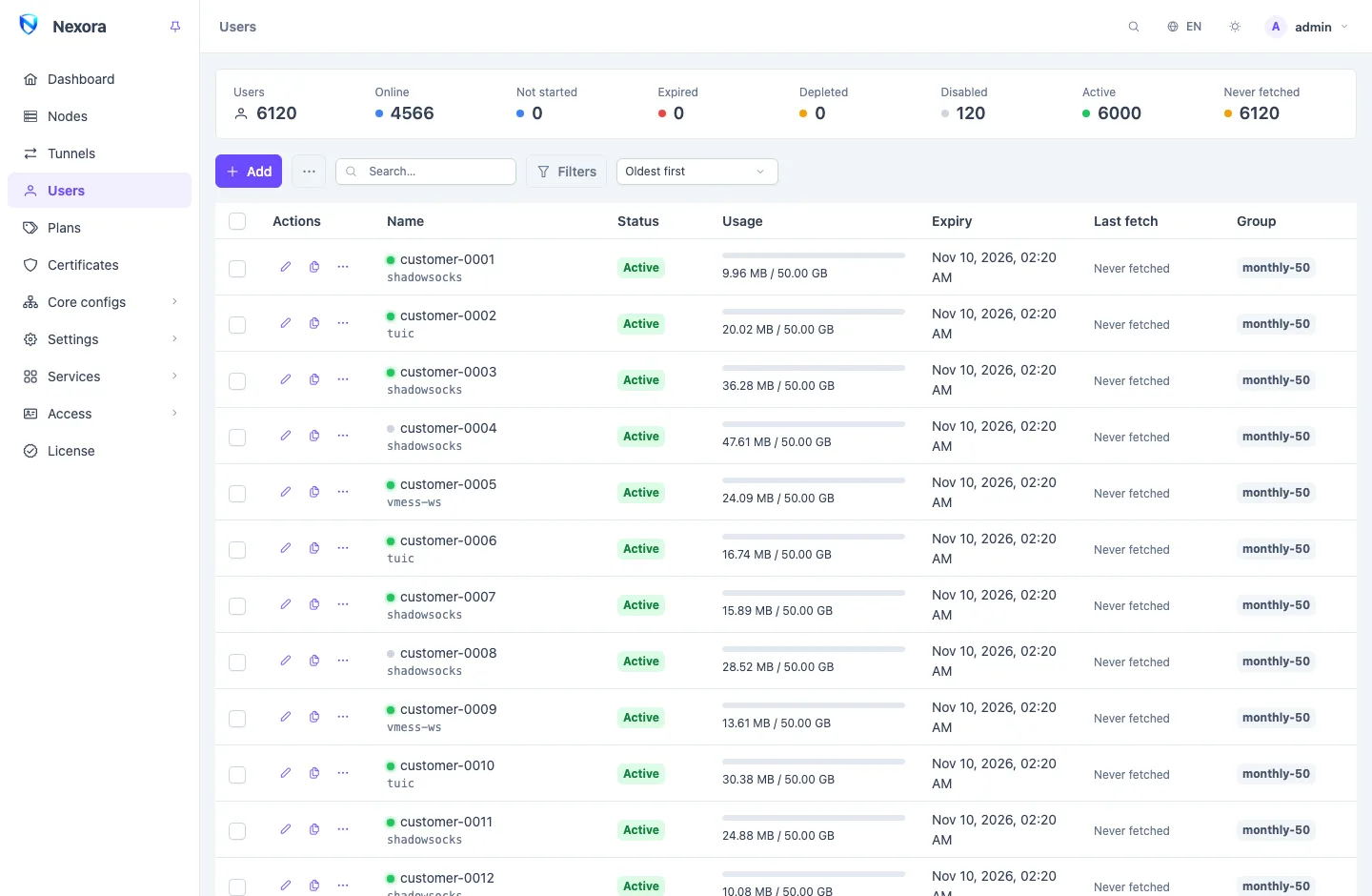
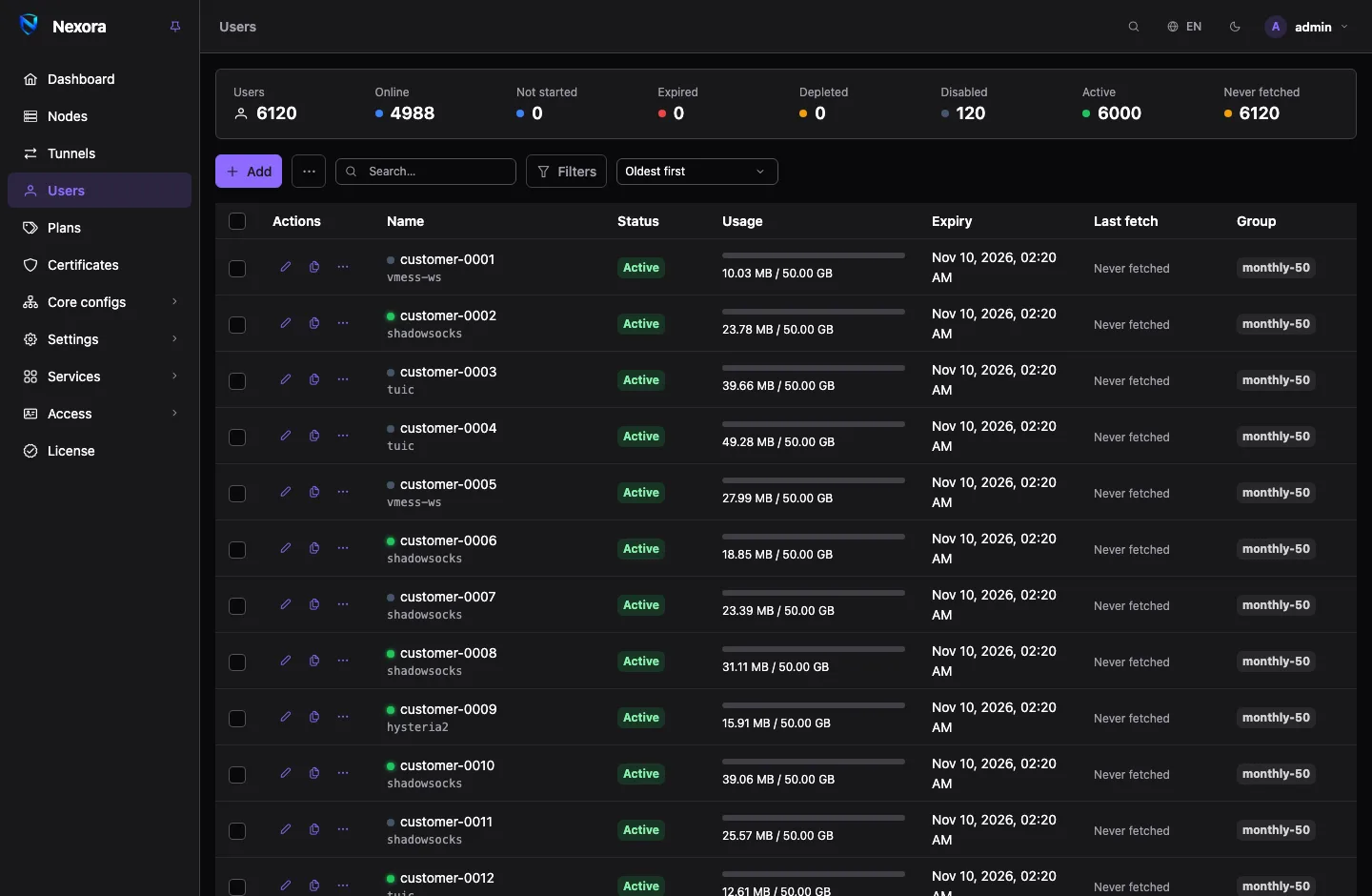
A group is a free text label on an account, typed in the Group field of the user form. It has no settings and no page of its own. It exists so you can find a set of accounts and act on them together.
- Pick a group under Filters → Group, or click a group's tag in the list, to show only its accounts.
- A Plan writes its group onto every account it creates. Since a plan leaves no other trace on an account, the group is how you find "everyone sold the 30-day plan" later.
- Batch creation can give every new account the same group (below).
The two menus
With rows ticked, a bulk-actions button appears beside Add. Its operations act on exactly the ticked accounts.
The ⋯ button (Operations) beside Add acts on the whole list as it is filtered now, across every page of results, or on every account when no filter is set. Each entry says "the current filter", and the dialogs it opens say how many accounts they will reach before you confirm.
| Operation | Ticked rows | Operations menu |
|---|---|---|
| Enable, Disable | Enable, Disable | |
| Reset used traffic | Reset traffic | Reset traffic of the current filter… |
| Forget registered devices | Reset devices | |
| Add days or traffic | Extend and gift | Extend and gift the current filter… |
| Set limits | Set limits | |
| Export a CSV list | Download CSV | Download CSV of the current filter |
| Export configs | Download config pack | |
| Delete | Delete | Delete expired users… |
| Create many accounts | Create users in bulk… |
What each operation does
Enable and disable
Disable switches the accounts off, and they stay off until a person switches them on: the panel does not bring them back by itself when they are within their limits. Enable switches them on again, except accounts past their expiry or over their volume, which the panel would switch straight back off. Those are reported as left off. See Users.
Reset traffic and reset devices
Reset traffic sets the used traffic of the accounts back to zero. Their lifetime totals are kept.
Reset devices forgets every device the accounts have registered under their device limit. The places free up. Devices that already hold the configuration keep working.
Extend and gift
Adds days to the expiry and traffic to the volume:
- Add days: up to ten years either way. A negative number takes days back.
- Add traffic: in GB. A negative number takes traffic back.
- Count expired accounts from today: with this ticked, an account that ran out ten days ago and is given 30 days gets 30 days from today, not 20. Accounts that have not expired still add to their own date.
Days need an expiry to move and traffic needs a volume to raise. An account that never expires, or has unlimited traffic, is skipped for that part and reported.
Programs using the panel's API can also add calendar months (see API reference).
Set limits
Sets Volume, Expiry, Speed limit, Address limit, Device limit and Periodic reset on every selected account. Tick only the fields you want to change; the rest are left exactly as they are.
- Setting an Expiry makes the accounts fixed-date: a length counted from the first connection is replaced by the date.
- Turning the periodic reset off also clears its cycle and its next date.
Exports
Download CSV is a sheet with one row per account and its subscription link: the list to hand over to someone. Download config pack is a zip of every account's client configurations.
WARNING
An export carries every account's subscription link, which is as good as the account itself. The panel records each export in the audit log even when change logging is off.
Delete and delete expired users
Delete removes the ticked accounts for good.
Delete expired users… removes every account whose expiry passed more than the number of days you give (30 by default), including accounts the panel has already switched off. It ignores the page's filters. Accounts counted from the first connection that never started are left alone. The dialog shows how many accounts it will delete before you confirm.
Creating many users from a name pattern
Create users in bulk… creates a batch of accounts in one go, up to 500 at a time, each with its own credentials.
Set How many, and a Name pattern with a counter or random part:
In the pattern Becomes {n}the counter: 1, 2, 3… {nnn}the counter padded to three digits: 001, 002… {r}six random characters {r3}three random characters shop-{nnn}makesshop-001,shop-002and so on. A random part gives names a neighbour cannot guess. A pattern may have one counter at most, and as many random parts as you like. Start at sets the counter's first value.Give the batch a Group, so you can find it again.
Pick a plan or set the limits, and the templates, as for a single user.
Press Create.
A name already taken is skipped, so running the same batch twice fills the gaps. When the batch is done, download the list (Download the list) or a config pack to hand over. If a licence or a reseller's user limit stops the batch partway, the dialog says how many were created and how much room is left.
What is refused, and why
Some accounts cannot be changed by some operations. The panel applies the operation to the rest and reports the others, rather than failing the whole selection.
| Refused | Why |
|---|---|
| Enabling an account past its expiry or over its volume | it would be switched off again within a minute. Renew it first. |
| Adding days to an account that never expires | there is no date to move |
| Adding traffic to an account with unlimited traffic | there is no cap to raise |
| Any change to an account outside the licence | it is view-only until you are back under the cap. It can still be deleted. See Licence. |
| Extend and gift and Set limits for a reseller that sells from plans only | its accounts' limits are the plan's, and only you can change them |
| Every change for a reseller whose May edit and delete users is off | it may create accounts and export them, but not change or remove them |
If a long operation is interrupted, the report says which accounts were already processed. Running it again finishes the job.