
Roles
A Role decides what an admin account may do. The panel ships three built-in roles; you can add your own to narrow one of them, for example a support operator who may see users but not delete them, or a reseller who may sell only short plans. This page is under Access → Roles and is open to main admins.
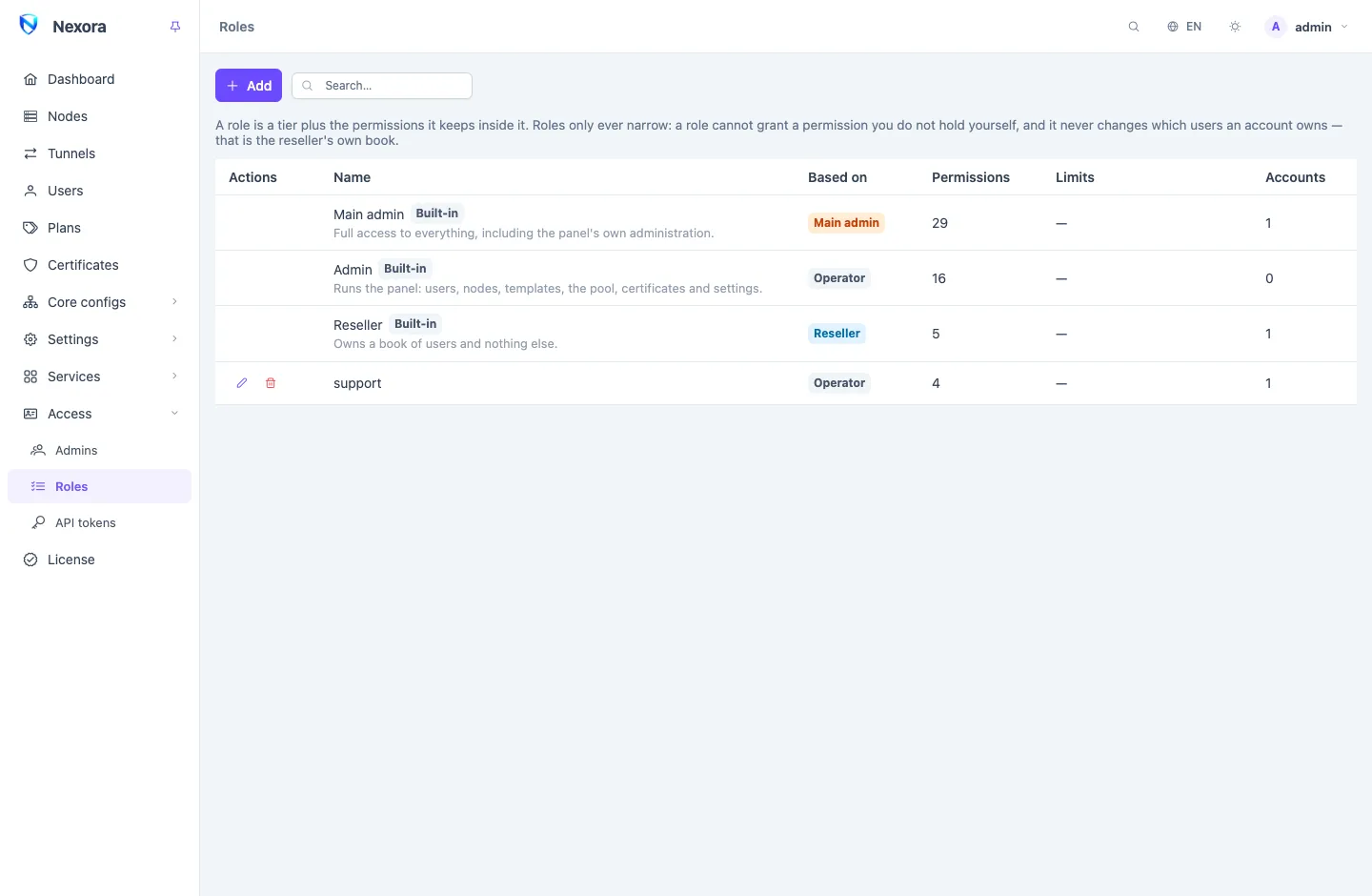
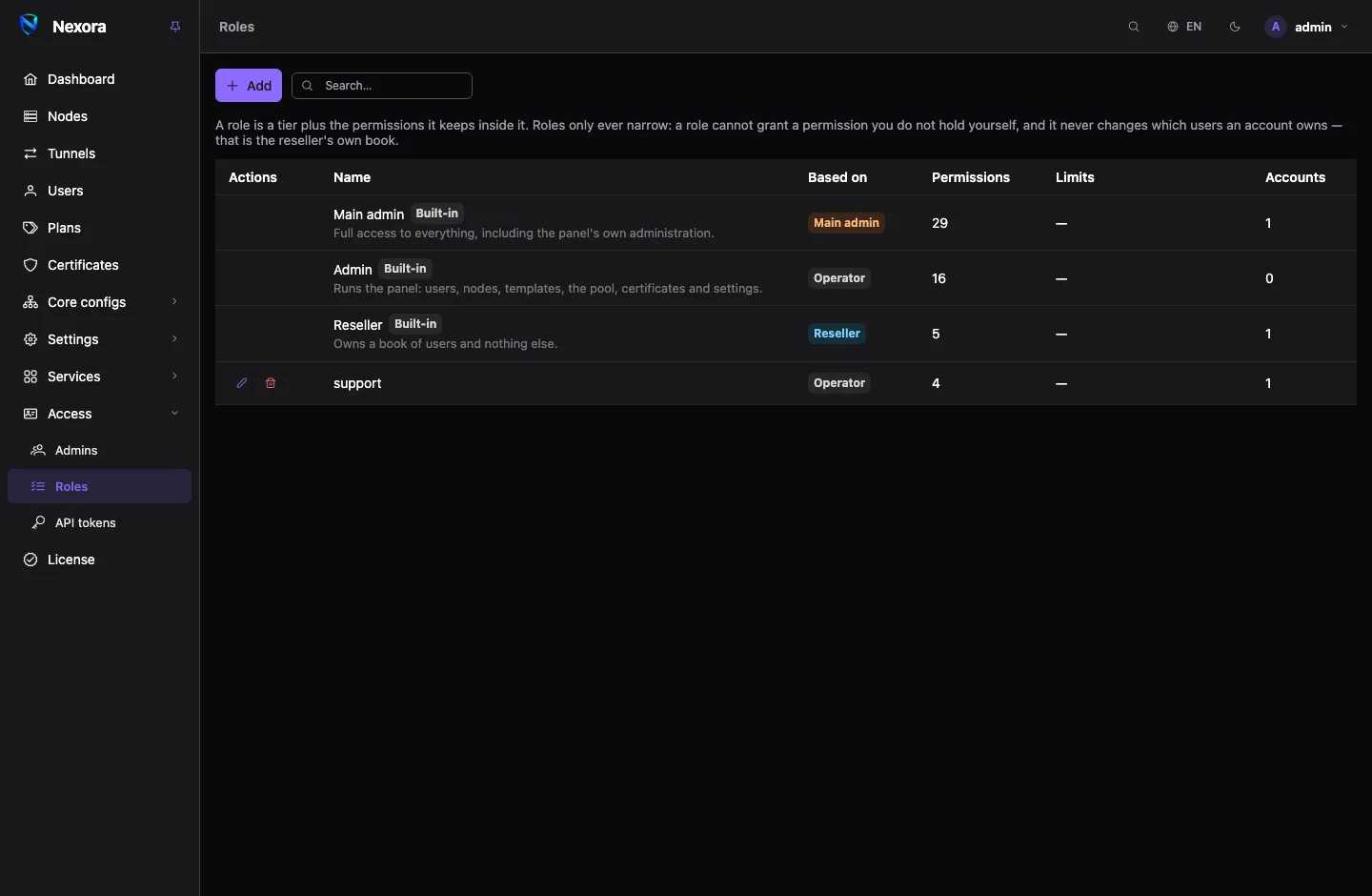
A role is two things
| Part | Decides |
|---|---|
| Based on, the tier | Which part of the panel the account reaches at all, and whether it owns a book of users. |
| Permissions | Which pages and API routes it reaches inside that tier. |
A role only ever narrows its tier. It cannot climb out of it, and it cannot grant a permission you do not hold yourself.
The built-in roles
| Role | Based on | Reach |
|---|---|---|
| Main admin | Main admin | Every permission, including the panel's own administration. |
| Operator | Operator | Users, nodes, tunnels, templates, inbounds, outbounds and rule sets, certificates, settings, traffic and reports, key generators. |
| Reseller | Reseller | See and create users, see templates and settings, see traffic, for the users it owns. |
The built-in roles are defined by the panel itself and gain any permission a later release adds to their tier. They are shown with a Built-in tag and cannot be edited or deleted. To put limits on one, make a custom role based on the same tier.
Making a role
- Add.
- Give it a Name and, if you like, a Description. The three built-in names are reserved.
- Pick Based on: Main admin, Operator or Reseller.
- Tick the Permissions it keeps. A write permission includes the matching read. Anything you do not hold yourself is greyed out.
- Set its Limits if it needs any (below).
- Save.
Then give the role to an account on the Admins page.
The permissions are the same list API tokens use, grouped as Users, Fleet, Configuration, Operations and Panel administration. The API tokens section lists each one with its API name.
Limits
Limits are not permissions. A permission decides which page answers; a limit decides what the answer may contain. 0 means no limit.
| Limit | What it caps |
|---|---|
| Users per account | How many users an account on this role may own. It applies only to a role based on Reseller, because an operator's users belong to the panel. |
| Devices per user | The highest device limit an account on this role may give a user. With a limit set, a user with no device limit at all is refused, not quietly capped. |
| Plan length (days) | The longest plan this role may sell that starts at the user's first connection. |
A role's limit is a ceiling over the account's own allowance, never a grant. When both the role and the account (for example a reseller's Max users) set a number, the smaller one holds. A request that goes past a role limit is refused with the reason; the panel never lowers the value for you, so what you asked for is never silently changed into something else.
Changing or deleting a role
Editing a role ends the logins of every account on it. Each account logs in again with the role's new reach. The same happens to API tokens bound to those accounts, which follow their account's role on their next request.
Renaming a role keeps its accounts on it.
A role still held by an account cannot be deleted: the panel names the accounts. Move them to another role first.
You can edit a role only if you hold every permission it holds, and only if its tier is not above yours.
Permissions decide pages, ownership decides users
Two separate rules decide what a reseller sees:
- Permissions decide which pages and routes answer it.
- Ownership decides which users it sees there: only the ones it owns.
No permission widens ownership. A reseller whose role holds See users still sees only its own customers, and so does every API token bound to it. There is no permission that means "everyone's users" for a reseller, so one reseller can never be handed another reseller's book.
Related
- Admins: put an account on a role.
- Resellers: a reseller's own allowance, beside its role's limits.
- API tokens: tokens narrow a role further, and are narrowed with it.