
Templates
A Template is the whole configuration a group of nodes serves. You build it from parts in the pool, give it to one or more nodes, and every node on it serves exactly what it holds. This page covers what goes into a template, how nodes and users reach it, and what happens when you change it.
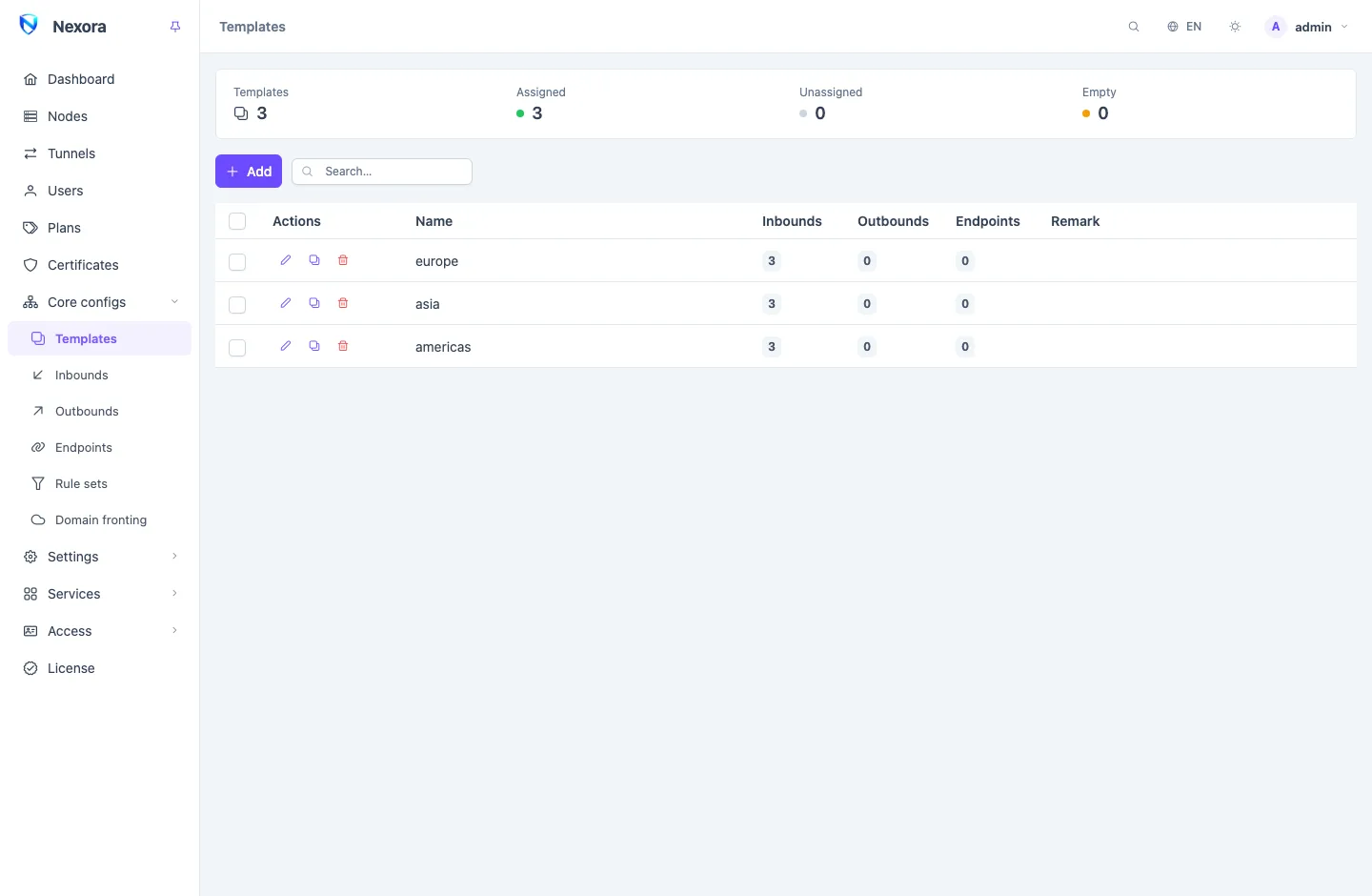
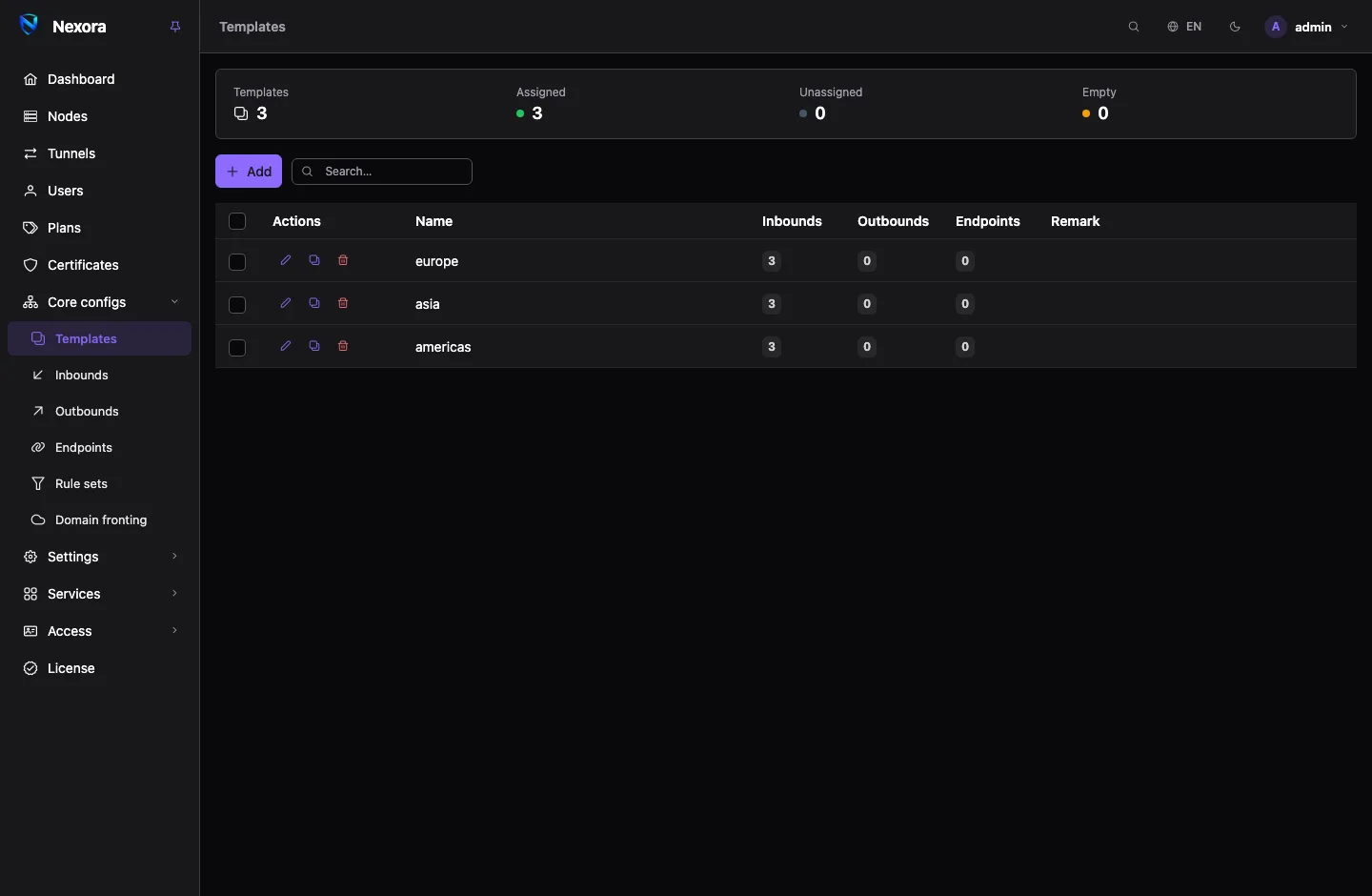
Templates live under Core configs → Templates.
What a template holds
The parts themselves live in shared pools, each with its own page. A template selects from them and adds the settings that only make sense for a whole node.
| Part | Where it comes from | What the template does with it |
|---|---|---|
| Inbounds | Inbounds | The ways in that users connect to |
| Outbounds | Outbounds | The ways out that routing can choose |
| Endpoints | Endpoints | WireGuard, OpenVPN and similar interfaces |
| Rule sets | Rule sets | The lists its routing rules may match on |
| Routing | written in the template | Rules, the Final outbound |
| DNS | written in the template | DNS servers and DNS rules |
| Log and NTP | written in the template | The node's log level and time sync |
One inbound, outbound or endpoint can sit in many templates. Edit it once in its pool and every template that carries it, and every node on those templates, gets the change.
Creating a template
- Open Core configs → Templates and click Add.
- On General, give it a Name and an optional Remark.
- Pick the Inbounds, Outbounds and Endpoints it carries.
- On Routing, select the Rule sets it needs and write the rules, or start from a preset (see Presets).
- On DNS, add the DNS servers, or start from a preset.
- Click Save.
The editor has five tabs:
- General: name, remark, and the inbound, outbound and endpoint pickers.
- Routing: the rule sets, the rules and the final outbound. See Routing and DNS.
- DNS: DNS servers and DNS rules. See Routing and DNS.
- Log & NTP: the node's log level and an optional time server.
- Advanced (JSON): extra top-level blocks merged into the node's configuration, for a setting the form does not show.
A template with no inbound and no endpoint serves no user. The list marks it, and the summary strip counts it under Empty.
Giving a template to nodes
A node runs one template. To set it:
- Open Nodes and edit the node.
- Under Template, pick the template.
- Save, and wait for the node to show as connected.
A node with no template serves nothing. Several nodes can share one template, which is the usual way to run a fleet: one template per kind of server, and every server of that kind on it.
A node can also carry a few things of its own on top of its template: extra outbounds, extra endpoints, and a routing override that replaces the template's routing on that node only. See Nodes and Routing and DNS.
Which users reach a template
Each User belongs to one template, several, or All templates. A user is provisioned only on the nodes whose template they belong to, and All templates puts them on every node. A new user reaches every template by default. Set it in the user's form under Templates; see Users.
The inbounds and endpoints of a template serve the users who belong to it. You never add users to an inbound by hand: they are provisioned automatically on every template that includes it.
Some inbound types would serve anyone, or refuse to start, with no user at all: SOCKS, HTTP and mixed proxies, Shadowsocks, and some others. While no user belongs to their template, the panel leaves them out of what it sends to the node, and adds them back when the first user arrives.
Changes are live
Saving a template sends the change to every node on it at once. There is nothing to sync or restart by hand.
- Each node applies only what changed. Adding or editing an inbound leaves the other inbounds and their connections alone.
- Routing, DNS and rule-set changes are applied in place too.
- A user added to or removed from a template reaches its nodes the same way. Most inbounds change their user list without dropping anyone. A few types rebuild the one inbound; WireGuard clients reconnect within about twenty seconds.
If a node refuses a configuration, it keeps running the previous one and the node's row shows the error. Fix the template and save again. For how the panel and the node agree on what changed, see Changes without restarts.
Presets
The Routing and DNS tabs each have a From a preset button.
Routing presets build a routing block from lists the panel already mirrors:
| Preset | What it does |
|---|---|
| Block ads | Rejects the ad and tracker list. |
| Iran + block ads | Iranian domains and addresses exit at the node instead of going further, and the ad list is rejected. |
| China + block ads | The same for Chinese domains and addresses. |
| Russia + block ads | The same for Russian domains and addresses. |
| Block torrents | Sends what looks like BitTorrent to a block outbound the node counts. Added in front of the existing rules. |
Applying a routing preset replaces the template's rules, because rule order is the routing. Block torrents is the exception: it adds its rule in front of yours and changes nothing else. The rule sets a preset needs are added to the template's selection. If the panel does not have one of them yet, the dialog names it and offers Add the lists and apply, which downloads them first.
DNS presets replace the template's DNS block with encrypted resolvers: Cloudflare, Google, Quad9 or AdGuard over DNS-over-TLS, or the node's System resolver. AdGuard blocks ads at the resolver, so use it instead of the Block ads routing preset, not with it.
You can add your own presets, or change the built-in ones, with files in the presets directory. See Routing and DNS.
Deleting a template
Deleting a template takes it off every node that runs it, and those nodes serve nothing until you give them another template. Users who belonged to it lose that membership. Move the nodes to their new template first if they should keep serving. The inbounds, outbounds, endpoints and rule sets the template selected stay in their pools.
Related
- Inbounds, Outbounds, Endpoints, Rule sets: the pools a template selects from.
- Routing and DNS: rules, DNS and the preset catalogue in detail.
- Nodes: assigning a template and a node's own additions.
- Changes without restarts: how changes reach nodes.