
The setup wizard
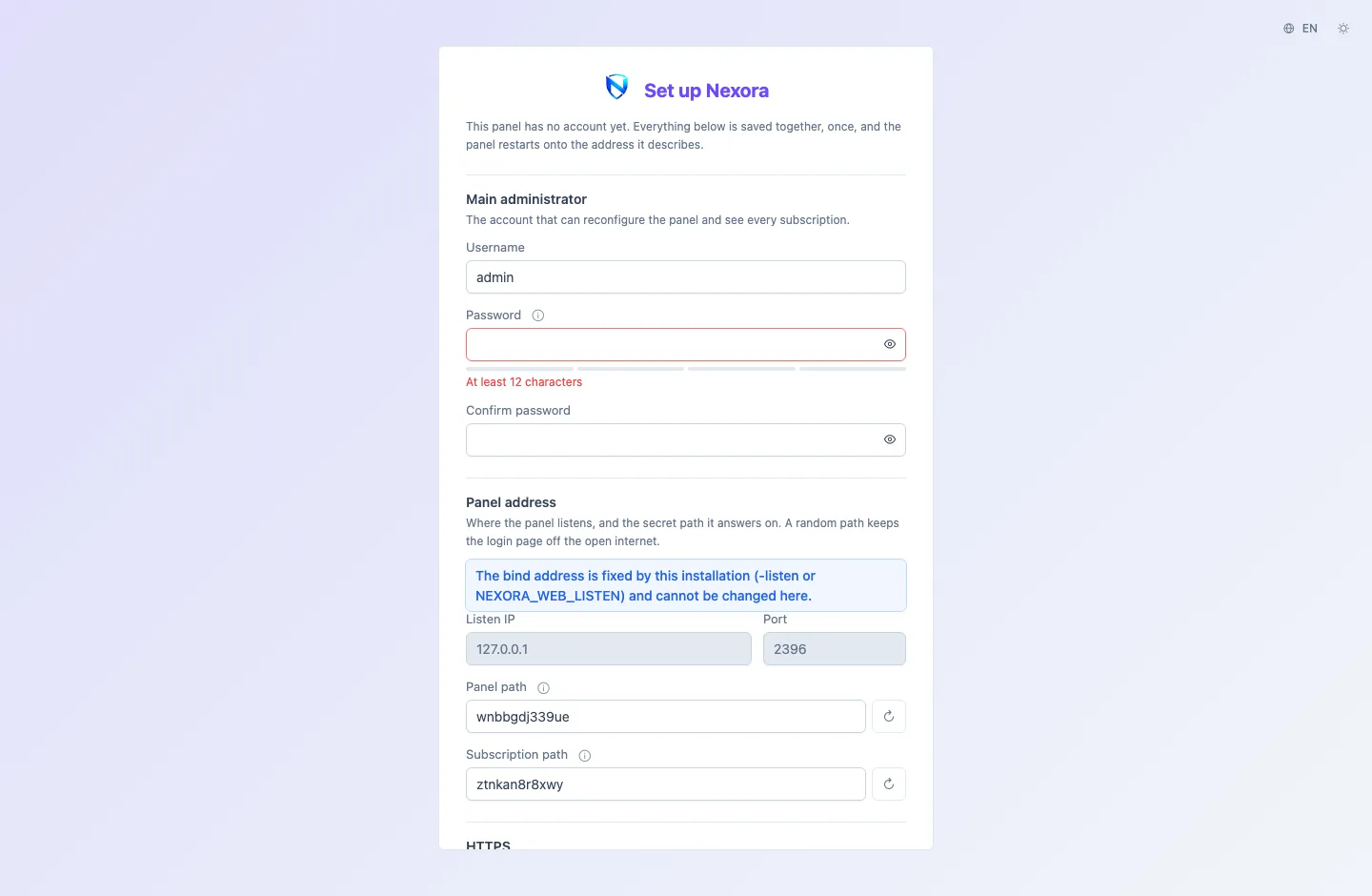
The setup wizard is the page that opens from the link the installer prints. It creates the main administrator and decides where the panel answers and how. Everything on it is saved together, once, and the panel then restarts onto the address you described.
The one-time link
The installer prints a link such as http://203.0.113.10:28431/setup?t=9f3c1ad2…. The token at the end is what allows creating the main administrator, so treat the link like a password.
- Only that link opens the wizard. Until setup is finished the panel shows nothing else: the login page, the API and subscription links all answer "not found", and so does the setup page without the token.
- It works until setup completes. After that the token is gone and the panel shows its login page.
- Lost it?
nexora-panel setup-tokenprints it again on the server.nexora-panel setup-token -rotatereplaces it with a new one, which makes the old link useless.
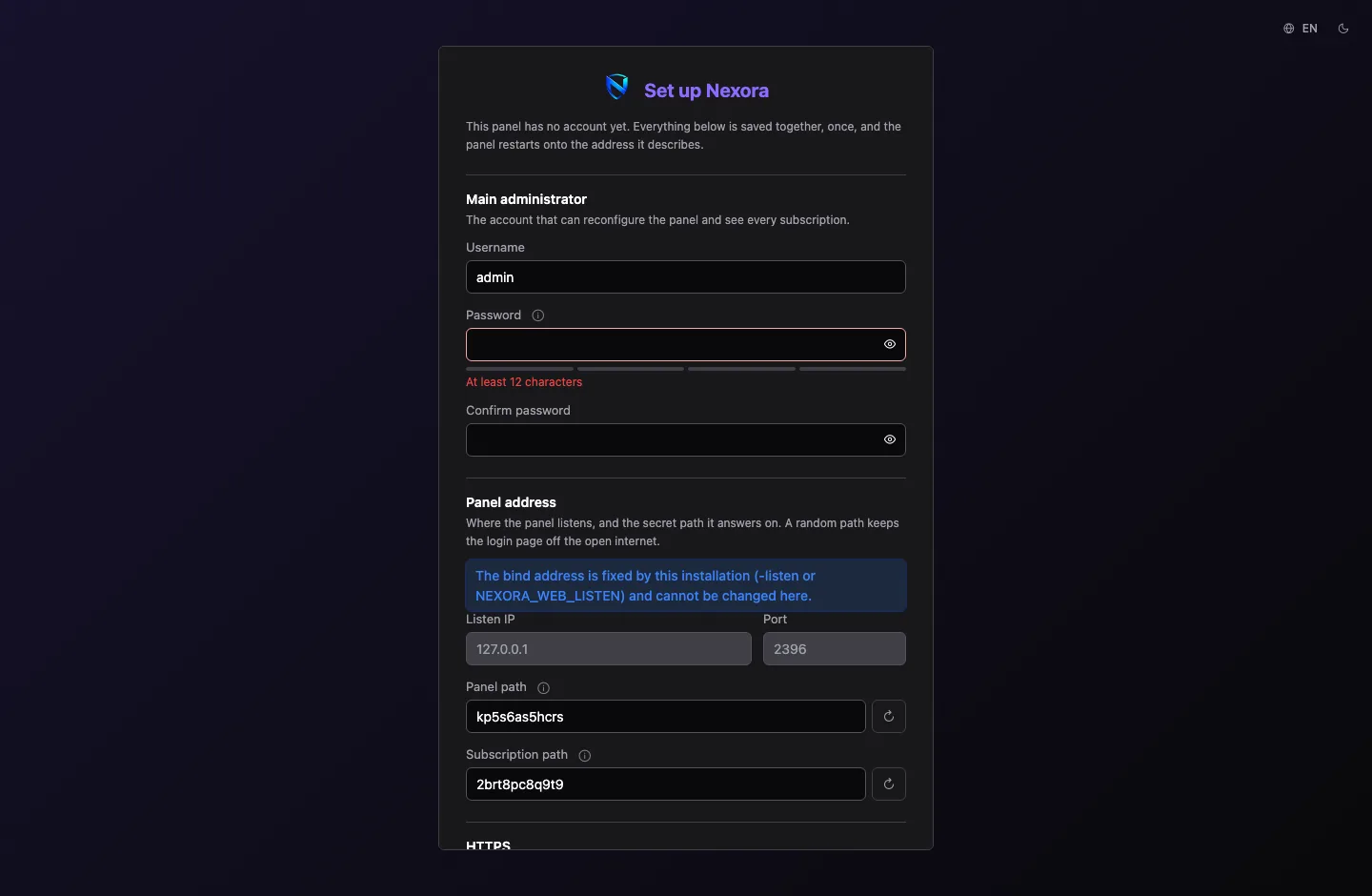
The page has a language switch and a theme switch at the top.
Main administrator
The account that can reconfigure the panel and see every subscription. It becomes the panel's owner: the one account that cannot be deleted or demoted.
| Field | Rule |
|---|---|
| Username | 3 to 32 characters |
| Password | at least 12 characters, mixing three of: lowercase, uppercase, digits, symbols |
| Confirm password | the same again |
Panel address
Where the panel listens, and the path it answers on.
| Field | What it does |
|---|---|
| Listen IP | empty means every interface, IPv4 and IPv6. Give one address to bind only that |
| Port | the port the panel listens on. It starts as the one the installer picked |
| Panel path | the panel is served under this path. A random one is proposed; empty serves the panel at the root |
| Subscription path | subscription links are built on this path. It must differ from the panel path |
Keep a random Panel path. Someone who finds your port then still finds no login page. The refresh button beside each path makes a new random one.
In Docker, the listen address is fixed by the compose file and the two listen fields are greyed out.
HTTPS
Serve the panel over HTTPS is on by default. The panel issues its own certificate and renews it before it expires.
- Certificate addresses are filled in with the address you opened the wizard at, and the page offers any other public address it found on the machine. Check them: the panel cannot know which address your browser will use. Behind NAT or in a container, the public address may be on no interface at all, so add it if it is missing. Write IPv6 addresses plainly (
2001:db8::10). - Panel domain is optional and must already point at this server. The certificate is reissued to cover it.
- Subscription domain is optional and rides on the same certificate. Your customers' links are built on it instead of the panel's address.
You can turn HTTPS off, but you must tick I understand the risk and want plain HTTP: without it, passwords and subscription links cross the network in clear text.
The certificate the panel issues is self-signed, so your browser warns once after setup. Accept the warning and continue. To serve a certificate from a CA later, see Certificates.
Regional
Time zone decides how every date and time in the panel is shown. Server time zone uses the server's own.
Save and start
The bottom of the form shows The panel will be reachable at with the full address you have described. Write it down, including the path. Save and start stores everything and restarts the panel there; the page counts down and opens the new address.
If you cannot reach that address afterwards, every one of these settings can be changed from the server's command line; see Command line.
Restore a backup instead
To move an existing Nexora panel to this server, choose Moving from another server? Restore a backup at the bottom of the wizard instead of filling it in.
- Drop the backup archive on the page. An encrypted archive asks for its passphrase.
- The page shows what the archive holds: when it was taken, by which panel version, from which address, and how many rows. It warns about anything unusual.
- Restore and restart replaces this empty database with the archive.
The panel comes back as the old server: its accounts, nodes, users and certificates, and also its address settings. Those may not suit this server. If the old address cannot be used here, the panel falls back to the address it was started on. Sign in with the old server's account.
A licence comes along in the archive but stays tied to the old server. Move it from the License page; see Licence.
Taking and restoring backups after setup is covered in Backup and restore.