
Addons
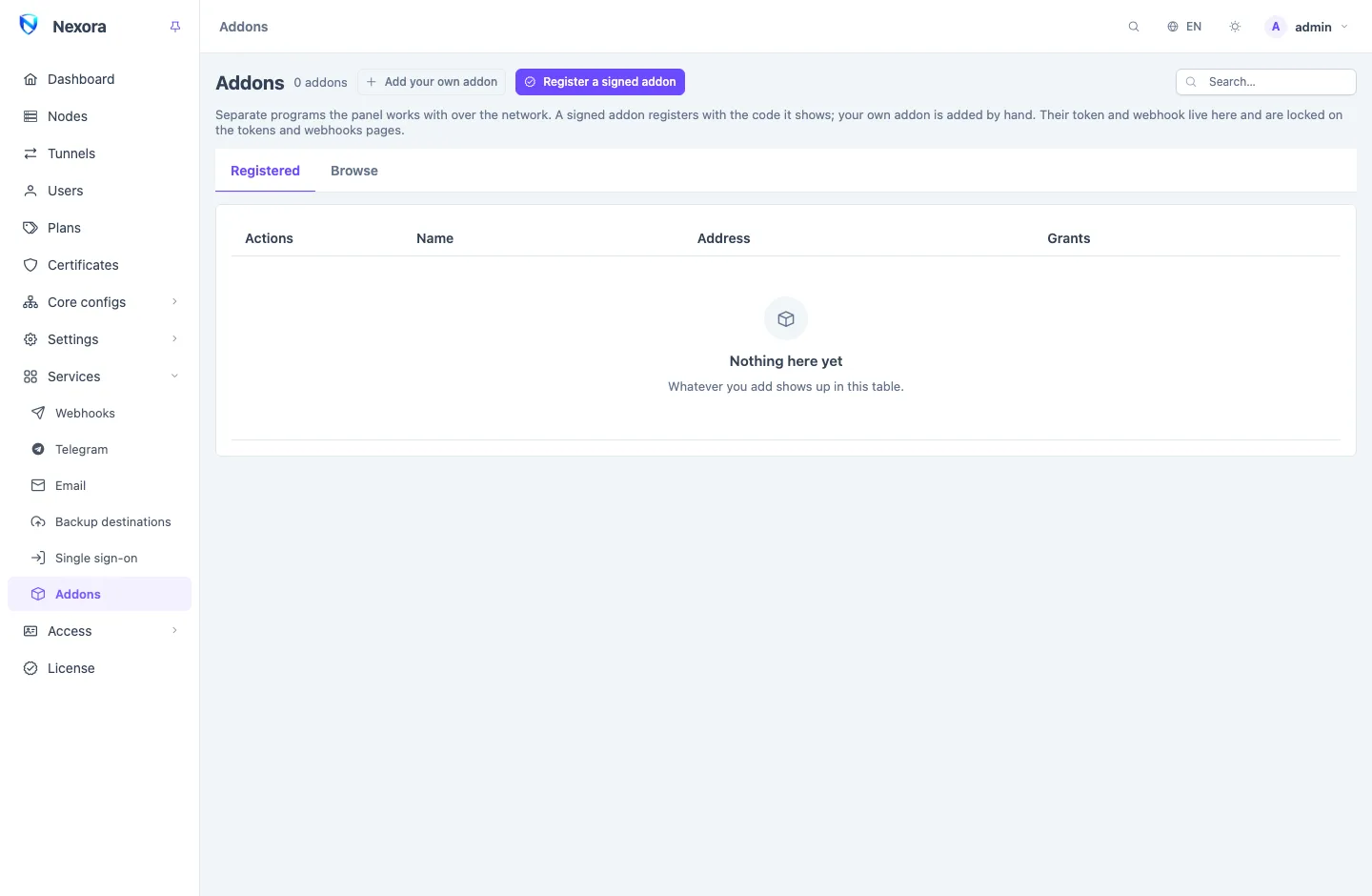
An Addon is a separate program that works beside your Panel: a shop that sells your plans, a bot that tells users their account is about to expire, a report of your own. This page explains what an addon is and what it may do, and points you to the addons Nexora publishes.
What an addon is
An addon is its own software, with its own interface and its own database. It runs as a service or a container on a server of yours, often the panel's own server, and talks to the panel over the network only.
- The panel never runs addon code. It installs an addon by running the addon's own install script, then works with it over HTTPS like any other program.
- The panel never stores an addon's data. Orders, wallets, chat links, message logs: all of it lives in the addon's database. Back it up with the addon, not with the panel.
- The panel never shows an addon's pages inside its own. It keeps a link to the addon's interface, and you open it in its own tab.
Removing an addon from the panel deletes its access. What the addon keeps stays on its server, so registering it again finds it.
What the panel gives an addon
Every addon carries a signed manifest, a file that says what it needs. When you approve it, the panel gives the addon exactly that and nothing more:
| What | What it is for |
|---|---|
| An API token | Calls to the panel's API, limited to the permissions the manifest asks for, each with the reason it gives. The token also has a request rate, shown before you approve. |
| An Event subscription | A webhook on the addon that receives the events it asked for, such as a user created or expired, each delivery signed. |
| A health check | The panel asks the addon's health path every minute and marks it Unhealthy when it stops answering. |
| A link to its interface | The addon's row on the Addons page has Open, which opens the addon's own interface in a new tab. |
The token and the webhook appear under API tokens and Webhooks marked as the addon's, and can only be changed or removed from the Addons page. Suspending an addon stops both at once. Day-to-day care of a registered addon (health, suspend, updates that ask for more) is on the Addons page; why it is built this way is in The addon platform.
Updates never widen access silently
A new version of an addon that asks for more permissions or events is installed, but waits for your approval before it gets them. Until then it keeps exactly what it had.
How far each addon is trusted
The addon directory at addons.nexora-panel.org lists every addon in one of three tiers:
| Tier | Who made it | How it can be installed |
|---|---|---|
| Official | Nexora. Its manifest is signed with Nexora's key. | By the panel on its own server, over SSH, or by a command you run |
| Verified | Another developer, reviewed by Nexora. Its manifest is signed with the developer's key, which the directory vouches for. The approval screen names the developer. | The same as official |
| Unofficial | Another developer, listed after a light check only. | By a command you run, with a warning on its card and on the approval screen |
An addon this panel cannot trust by its signature is still usable: you add it by hand with Add your own addon and create its token and webhook yourself. That is also how you connect a script or bot of your own that never goes near the directory.
WARNING
An addon runs on your server with the permissions you grant it. Read what it asks for on the approval screen before you press Approve and register, especially for an unofficial one.
The addons Nexora publishes
| Addon | What it does |
|---|---|
| Nexora Shop | Sells your plans through a Telegram bot and a web app: products, orders, a wallet, card-to-card and gateway payments, discount codes, referrals and agents. |
| The notifier | Tells every user on the panel about their account (expiry, traffic, renewals) and sends your own messages, over Telegram, Bale, SMS, email or any HTTP API. |
Where to start
- To install one, read Install an addon for the short path, then The addon directory for every way to install, update and remove.
- To look after one you already run, see Addons page.
- To write your own, start with Build an addon and keep The addon manifest open beside it.