
Update
The Panel and the nodes are released and updated separately. Update the panel first, then the nodes. A newer node may no longer answer a request an older panel relies on, such as taking an account off the node the moment it expires.
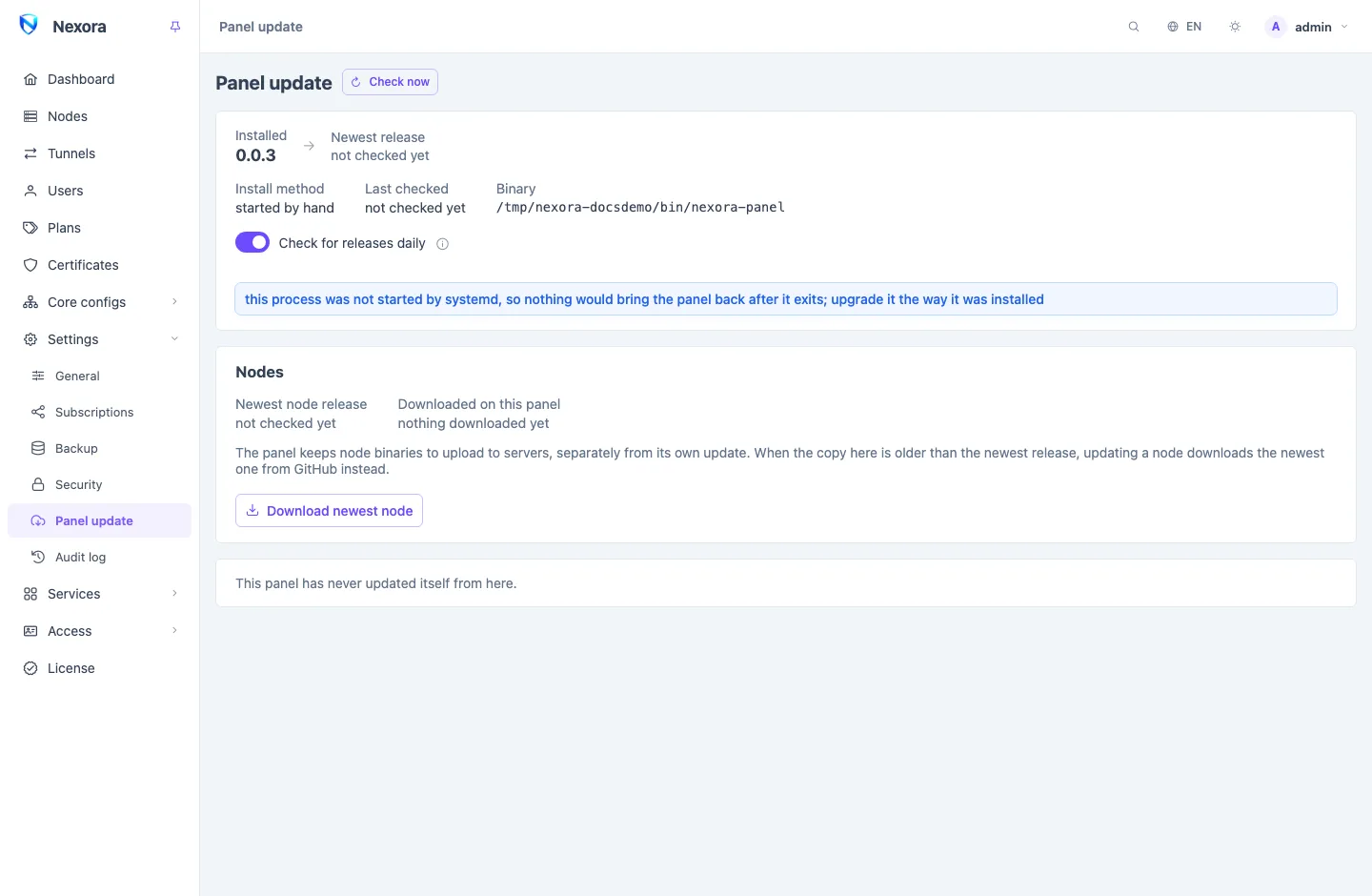
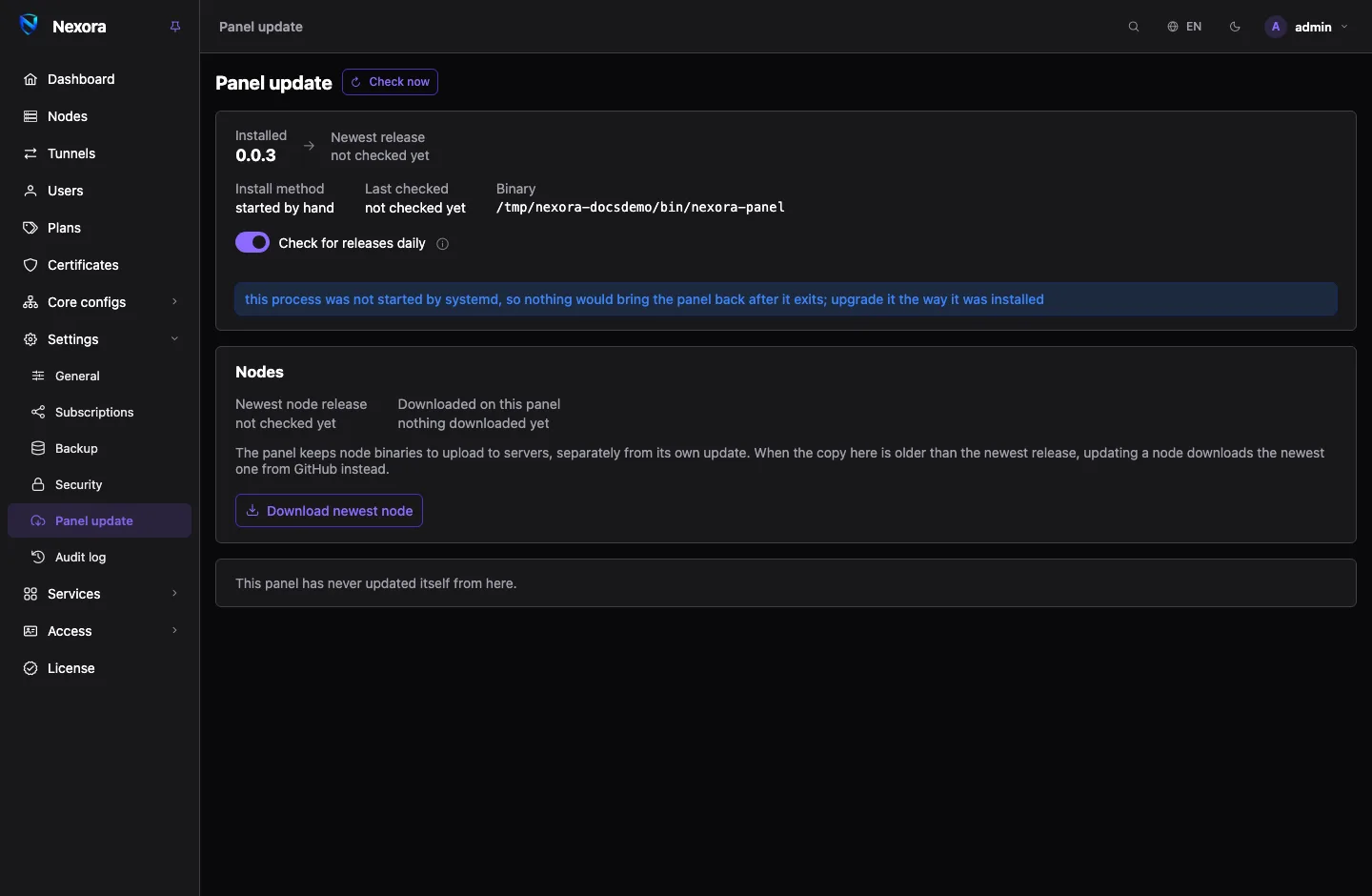
The panel, from its own page
The panel checks once a day for a newer release and shows a banner when there is one. Settings → Panel update shows the installed version, the newest release, how this panel was installed, and the release notes.
On an install made with the script, Update now does the whole upgrade:
- Taking a backup of the database into your backup directory.
- Downloading the release.
- Verifying it against the checksum published with it, and running it once to be sure it starts on this server.
- Installing it, keeping the old binary as
/opt/nexora-panel/nexora-panel.previous. - Restarting. You stay logged in. The panel is unreachable for a few seconds, and the page says when it is back.
If the new build does not come up, the previous binary is put back automatically within about ten seconds, and the page shows Rolled back.
The database is not rolled back
Database changes only go forward. If something looks wrong after an update, the backup taken in step 1 is the way back: restore it under Settings → Backup (see Backup and restore).
Check for releases daily turns the daily check off. It is one request a day to the public panel repository, which tells it your server's address. The button still works with the check off.
The panel, from the command line
Run the installer again. It finds the existing install and updates it in place:
bash <(curl -fsSL https://raw.githubusercontent.com/nexora-vpn/panel/main/install.sh)It stops the service, copies a SQLite database to nexora.db.bak, keeps the previous binary, updates the database and starts again. Your settings and admin accounts are untouched. On PostgreSQL, take your own database dump first.
The panel in Docker
A container cannot replace its own image, and the Panel update page says so. In the directory of your compose file:
docker compose pull && docker compose up -dThe nodes
The Nodes section of the Panel update page shows the newest node release and how many nodes are behind it.
- Update all nodes updates each node in turn over SSH. A node the panel has no authorised SSH key for is skipped.
- One node: open its Install drawer, switch to Automatic (SSH) and press Update. The panel uploads the new binary (or pulls the new image) and restarts the node.
- By hand: run the node's install command again on its server. It finds the existing install, keeps its configuration and certificates, and replaces only the binary.
- Node in Docker:
docker compose pull && docker compose up -d.
An update keeps the node's certificates, so the panel still recognises it and nothing has to be registered again.
The panel uploads the node binary it keeps (Downloaded on this panel). When that copy is older than the newest node release, Download newest node refreshes it, and updating a node meanwhile takes the newest one from GitHub.
During an update
A node keeps serving while the panel restarts: a panel update costs nobody their connection. A node that cannot reach its panel for three minutes stops serving until the panel is back, so do not leave a panel down for long.