
Rule sets
A Rule set is a list of domains or address ranges, such as a country's addresses or a service's domains. Routing rules match on it: "send everything in this list straight out", "block everything in that one". Rule sets live under Core configs → Rule sets, and a template selects the ones its routing uses.
The panel keeps the copy
The panel downloads each list from its URL, keeps a copy, and refreshes it on a schedule. Nodes never fetch a list themselves: the panel sends each node the copy over the same encrypted link it uses to configure it. So:
- a node does not need to reach the list's source, which matters where that source is blocked;
- every node serves the same version of a list;
- a list that changes upstream reaches every node that uses it on the next refresh, without any other change to the node.
The copies are kept on the panel's server (see where the copies live).
Adding a rule set by URL
- Open Core configs → Rule sets and click Add.
- Paste the list's URL.
- Give it a Tag: letters, digits,
-,_and.. Rules name the rule set by this tag, and it is fixed after creation. - Set the Update interval in hours. The default is 24.
- Click Download and add.
The rule set is created only if the download succeeds and the file is a rule set. A URL that answers with an error page, a login page or an empty file is refused with the reason, and nothing is added.
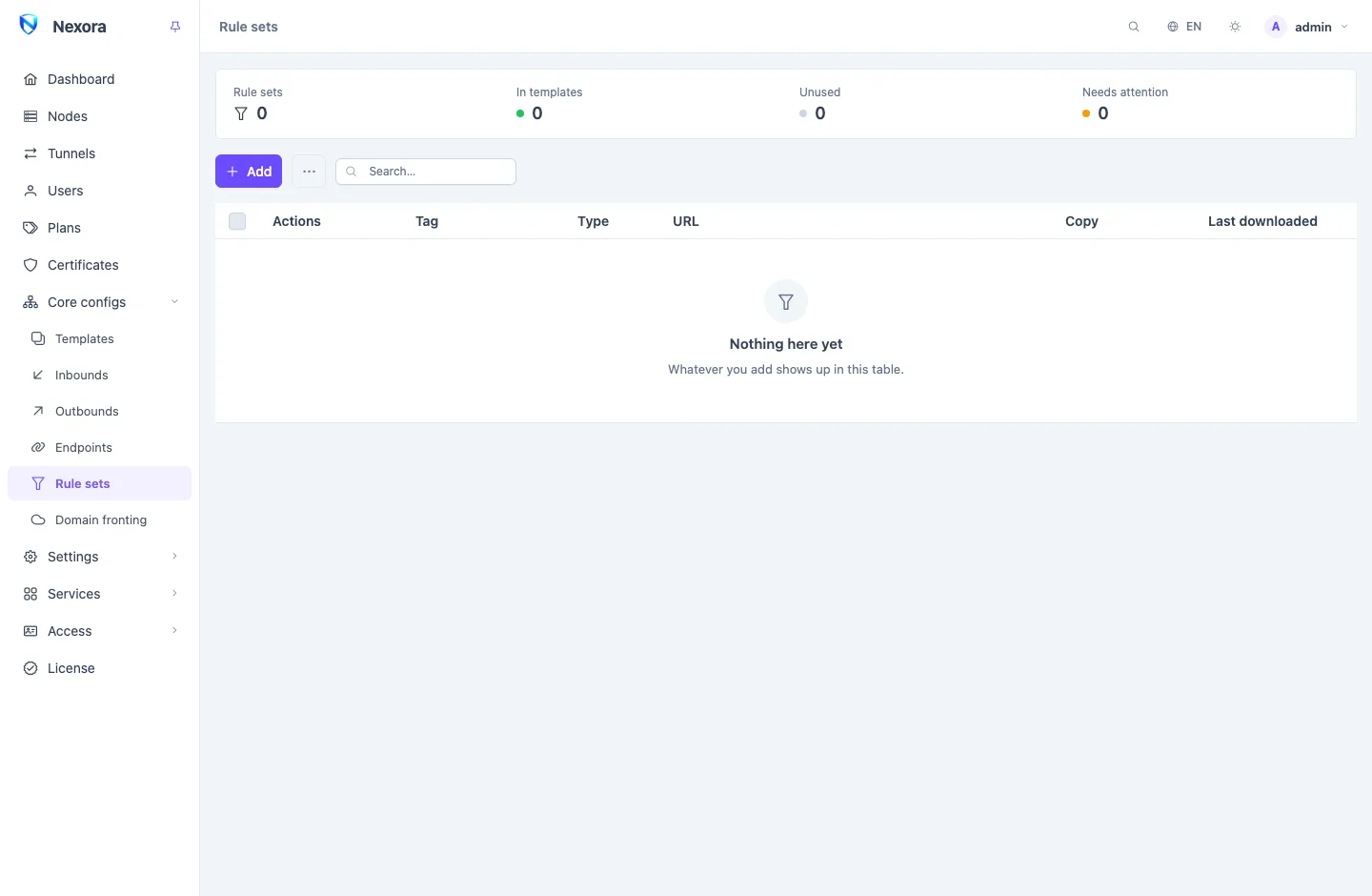
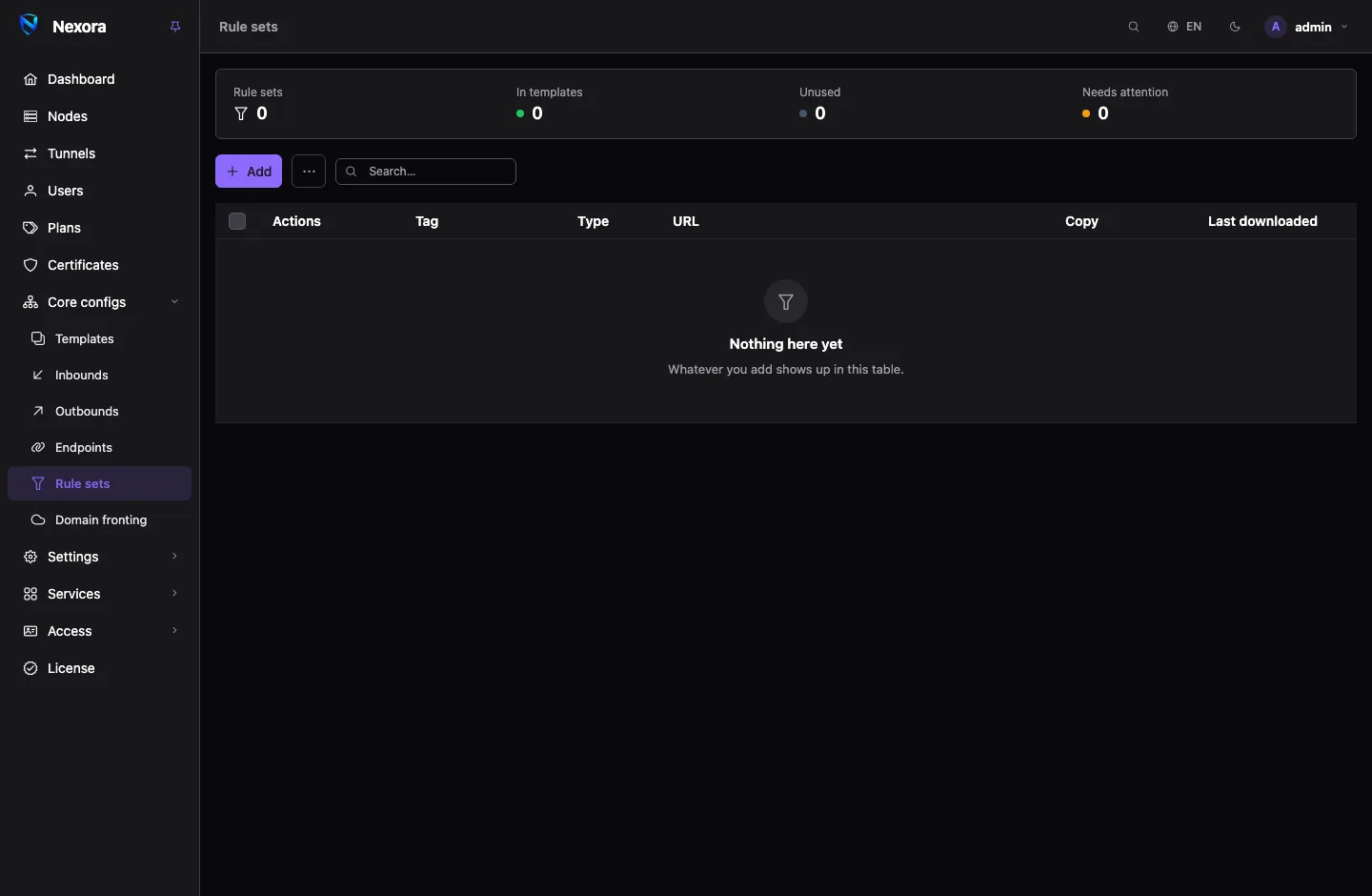
The panel reads two formats and tells them apart by their content: the compiled binary format (.srs files) and the JSON source format. The Type column shows which one each list is. The Copy column shows the size of the local copy and its number of rules.
Adding from the preset catalogue
Preset rule sets by country or service opens a shelf of well-known lists:
- By country: Iran, China and Russia, each as Domains and IP ranges. A country usually wants both: a rule that matches only domains misses an app that connects to an address.
- By service: OpenAI, Google, YouTube, Meta and others, and Ads and trackers.
Tick the lists you want and add them. Each is downloaded and mirrored exactly like a list added by hand, on a 24-hour refresh. Lists this panel already carries are marked added and cannot be added twice. A list the panel cannot fetch is reported in the dialog instead of being added.
You can add countries or services to this shelf, or point an entry at a mirror, with a file in the presets directory. See Routing and DNS.
Using a rule set
A rule set does nothing on its own. To use it:
- Open the template, go to Routing, and select it under Rule sets. Only rule sets selected here can be named by the template's rules.
- Add a rule that matches on it, under Rule set, and choose what happens to matching connections.
See Routing and DNS. The routing presets select the rule sets they need for you.
Refreshing
The panel re-downloads each list on its Update interval. When the list has not changed, nothing else happens. When it has, the new copy is sent to every node carrying it straight away.
Download now, on a row or on several ticked rows, refreshes at once.
When a list is unavailable
A failed refresh changes nothing on your nodes: the panel keeps the last good copy and serves it, and records why the download failed. The row is marked stale with the error, and the summary strip counts it under Needs attention.
A rule set the panel holds no copy of at all is different. That happens when the copy is missing from disk, after a restore onto a new server or a cleared directory, and the source cannot be reached to download it again. Such a row is marked no copy, and the panel leaves the rule set out of every node's configuration together with every rule that matches on it. It has to: a node refuses its whole configuration if a rule names a rule set it does not have. So the rules that used the list stop applying, whole, until the panel has a copy again. The template editor warns about this too.
If a source stays unreachable from the panel, point the rule set at a mirror: edit its URL, or re-point the catalogue entry with a presets file.
Where the copies live
Settings → General → Rule set mirror → Storage directory sets where the copies are kept: an absolute path on the panel's server. Empty keeps them beside the database, in /var/opt/nexora/rulesets/ on a standard install and in ./rulesets next to the compose file in Docker.
The copies are a cache. They are left out of backups, and clearing the directory is safe: the panel downloads whatever is missing on its next start.
Deleting a rule set
The panel refuses to delete a rule set that a routing rule still matches on, and lists those rules. Remove or change them first. Deleting takes the rule set off every template that selected it.
Related
- Routing and DNS: rules that match on rule sets, and the routing presets.
- Templates: selecting rule sets for a template.
- General settings: the storage directory and the preset catalogue directory.