
Tunnels
A Tunnel links your nodes in two roles: users connect to a relay, and their traffic leaves for the internet from one of its origins. Use one when the server your users reach easily is not the one whose address you want the internet to see, or when an exit server should accept no connections at all. This page covers creating and running tunnels; Inside a tunnel explains what happens inside one.
Before you start
- Both the relay and the origins are added and connected on Nodes.
- The relay serves users: it has a template with inbounds, and your users are on that template. A tunnel changes only where the relay's traffic leaves.
- The node that listens has an address the other side can reach: its Link addresses, or its Address when it has none. The dialing side tries every link address at once, so a second address is a ready fallback.
- The tunnel's port is open in the listening server's firewall. The panel does not open it for you.
Creating a tunnel
Press Add. A new tunnel starts with sensible settings: pick the nodes, press Save, and it is on both sides.
| Field | |
|---|---|
| Name | becomes the tunnel's Tag, tunnel- plus the name in lowercase. It cannot be changed after saving, because both sides' credentials are built from it. |
| Mode | which side opens the port (below) |
| Relay node | where users connect. It carries no traffic of its own. |
| Origin nodes | one or more; where traffic leaves for the internet |
| Links per origin | how many parallel connections each origin keeps. Four is right for almost every path. |
| Stream window | how much one connection may have in flight. Leave it on the default unless a single download is slow over a long path while several together are fast. |
| Enabled | a disabled tunnel is removed from both nodes and keeps its settings |
The form says in one sentence what the tunnel will do, with your node names.
A node can be the relay of one tunnel and an origin of another, but not both in the same tunnel.
Reverse or direct
Mode decides only who opens the port. Traffic always flows users → relay → origin → internet.
| Reverse — origins dial in (default) | Direct — the relay dials out | |
|---|---|---|
| Listens | the relay | each origin |
| Port must be open on | the relay | every origin |
| Origin behind NAT or with no open ports | works | does not work |
Choose Reverse unless the relay cannot accept connections from the origins.
Profiles: the port, security and transport
A profile is one way the tunnel is carried: its own Listen port, its own Security and its own Transport. Every tunnel has at least one.
- Security: REALITY (the default) needs no certificate, and its keys are made when you save. TLS uses a certificate the panel issues for the tunnel, which the other side trusts; you can paste your own PEM pair under Add setting instead. None sends your users' traffic between the two nodes unencrypted.
- Transport: None (plain stream), or a web transport such as WebSocket, gRPC, HTTP, HTTPUpgrade or QUIC. A web transport is needed to put the tunnel behind a CDN. QUIC needs TLS and cannot run with REALITY; the form says so.
- Advanced shows the security and transport blocks as the node receives them. Editing there overrides the other tabs.
Press + beside the profile chips (Add a way to carry this tunnel) to add another profile, up to eight. Profiles are not separate tunnels: they share one pool of connections to the same origins. If one protocol gets blocked, the tunnel loses that profile's capacity and keeps working on the others, and no user's exit address changes.
With two or more profiles:
- Load balancing: Spread uses every connected profile and sends each new stream to the least busy one. Priority uses the first connected profile in the list and keeps the others as a fallback.
- Links for this profile sets each profile's share. A profile with six links takes three times the traffic of one with two. Empty uses Links per origin.
Each profile needs its own port, different from every inbound and every other tunnel on the listening node.
Where the relay's traffic goes
When a relay carries exactly one tunnel, the panel makes that tunnel the relay's default exit by itself: everything the relay would have sent to the internet goes down the tunnel. Rules in the template's routing still come first, so traffic a rule sends direct or blocks is not tunnelled. A tunnel's Default exit line (in its row's details) says whether this is the case.
The panel does not pick an exit, and says why, when the relay carries more than one tunnel or has its own default outbound. Then, and whenever only some traffic should use the tunnel, write rules naming the tunnel's tag in the relay's own routing: Nodes → Config → Routing (per-node override). See Routing and DNS.
WARNING
Never write a tunnel's tag into a template's routing. Only the relay has that tag. Every other node on the template would be told to use an outbound it does not have, and would refuse its whole configuration.
Health
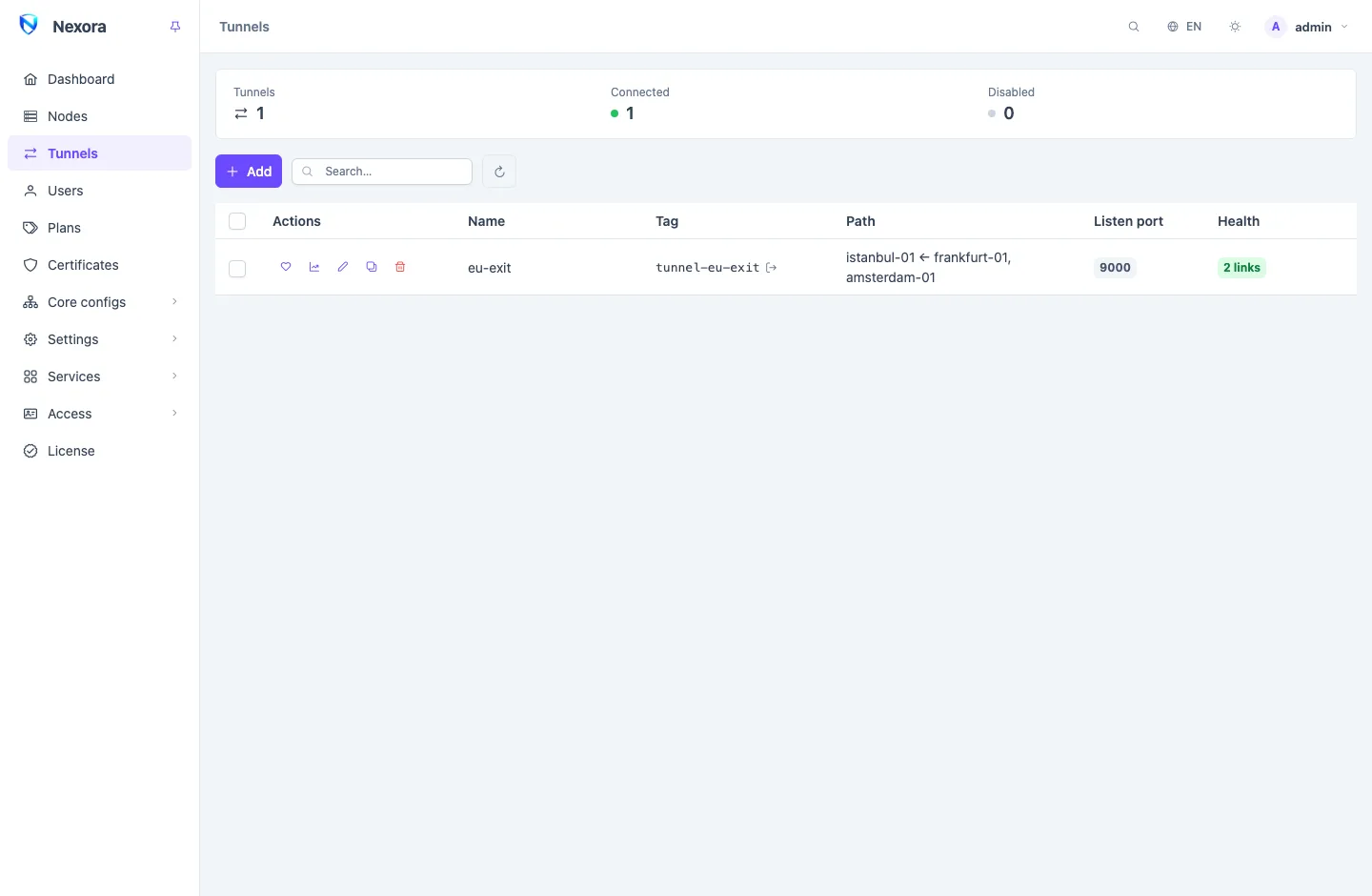
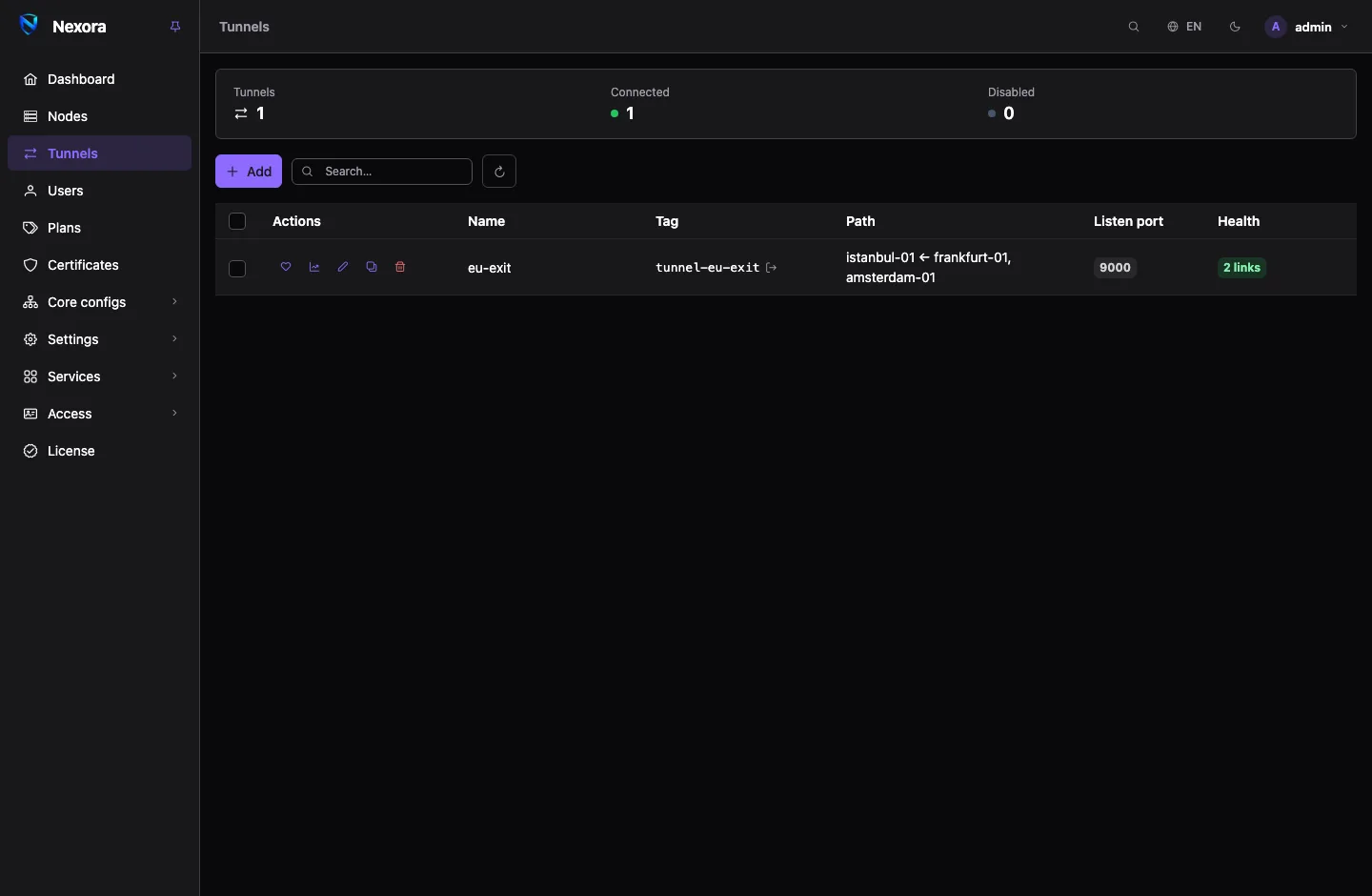
The Health column asks both sides of every tunnel when the page opens:
| Health | Meaning |
|---|---|
| {n} links | working, with that many connections up |
| No links attached | the relay answers, but no origin is connected to it |
| Relay unreachable | the panel cannot reach the relay node |
| Unknown | the check itself failed; it says nothing about the tunnel |
The summary strip counts the same states. Refresh health asks again.
Live status on a row's menu asks every node of the tunnel and refreshes every few seconds while it is open. For each origin it shows the links, streams and uptime. On the dialing side it shows the Backoff before the next try and the Last error: read that first when a tunnel does not connect.
Reset
Reset in the live-status dialog rebuilds the tunnel on every node: every link is dropped and the dialing side starts again at once. Use it when one side is up but carries nothing, or after you unblocked something and do not want to wait for the next try. Traffic on the tunnel stops until it reconnects.
One tunnel per relay
Several relays in front of the same origins are one tunnel per relay. A credential taken from one relay then opens nothing on another, and adding a relay never touches the tunnels already carrying traffic.
Duplicate on a row's menu makes the next one: give it a name and a relay, and it copies the origins, profiles and settings. The certificate and keys are not copied; the copy gets its own.
Working on several tunnels
Tick rows to act on them together:
- Edit selected… sets the origins, Links per origin, Load balancing or Stream window on all of them. A field left empty is not changed.
- Enable, Disable, Reset and Delete.
Each tunnel is checked as if you had edited it alone. One the panel refuses is reported, and the others still change.
Usage graph on a row's menu shows the traffic that went through the tunnel.
When it does not connect
- Read Last error in Live status.
- Check the listen port is open on the listening node: the relay in Reverse, every origin in Direct. From the other node:
nc -vz <address> <port>. - Check the listening node's link addresses are reachable from the other node, not only from the panel.
- An origin behind NAT works only in Reverse.
- After fixing something, press Reset.
Related pages
- Inside a tunnel: how the two sides find each other, and why a user keeps the same exit.
- Nodes: link addresses and the per-node routing.
- Routing and DNS: sending only some traffic through a tunnel.