
Inbounds
An Inbound is one way in for users: one protocol on one port, with its transport and TLS. Inbounds live in a shared pool under Core configs → Inbounds and reach nodes through Templates. This page covers creating and editing them. What each protocol is good for, and its own options, is in Protocols.
The pool
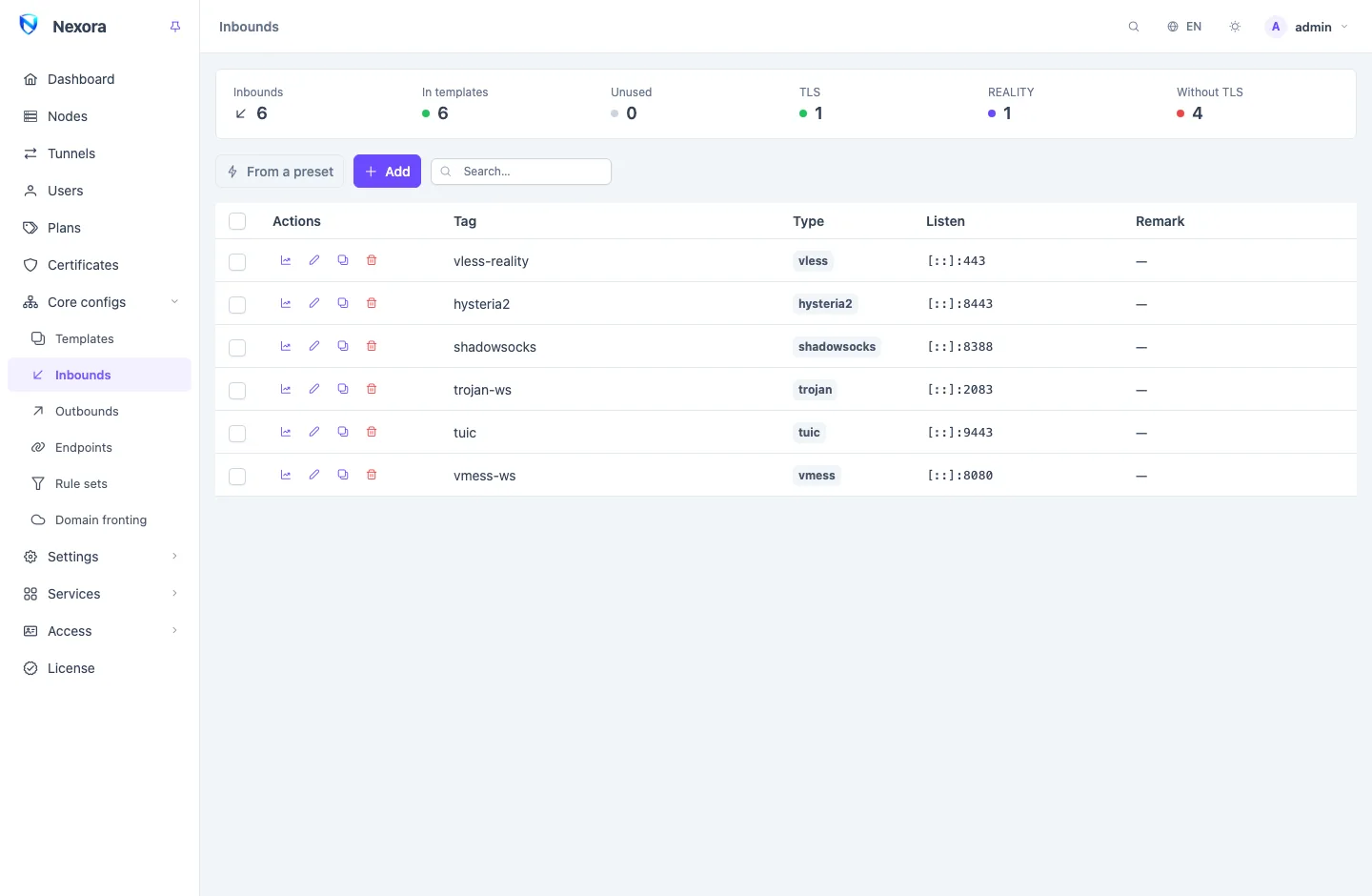
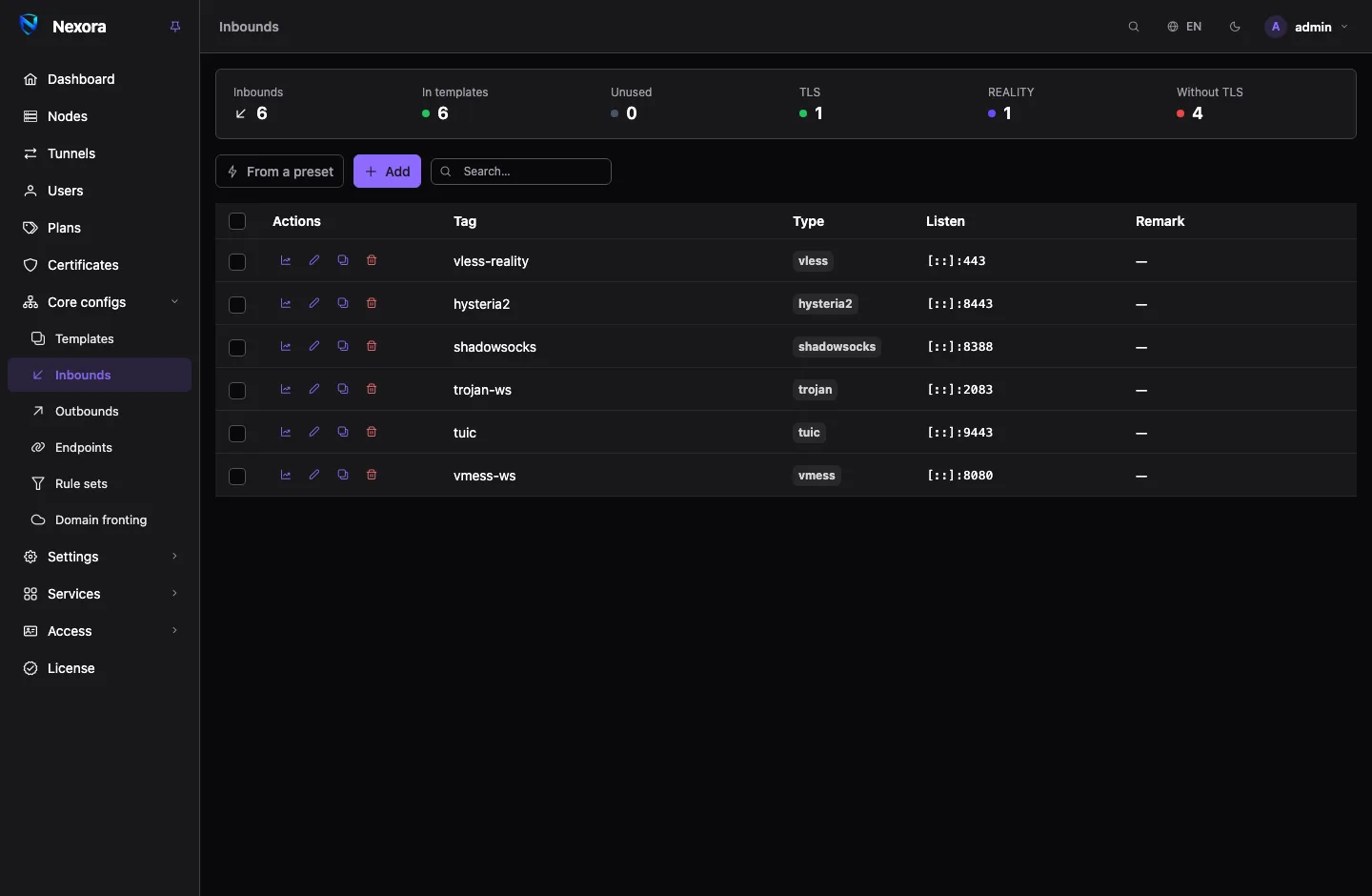
The list shows every inbound with its tag, type, listen address and remark. The summary strip above it counts the inbounds In templates and Unused, and those with TLS, REALITY or Without TLS. Click a counter to filter the list by it.
An inbound does nothing until a template carries it and a node runs that template. The same inbound can be in several templates. Edit it once and every node serving it gets the change.
Creating one from a preset
From a preset opens a shelf of ready shapes, with the protocol, transport and TLS already chosen:
| Preset | Use it for |
|---|---|
| VLESS + REALITY | The usual first inbound. Needs no domain or certificate. |
| VLESS + WebSocket + TLS | An inbound to put a CDN in front of. |
| VLESS + gRPC + TLS | The other shape a CDN can carry, over HTTP/2. |
| Trojan + WebSocket + TLS | The WebSocket shape with Trojan. |
| Hysteria2 | QUIC over UDP, for lossy connections. Needs UDP to reach the node. |
Picking a preset creates nothing. It fills the ordinary form; you check it and click Save. The port, tag and path are generated per install, and for REALITY the panel makes the key pair and short IDs when you save. After that it is an ordinary inbound: nothing remembers which preset made it.
You can add presets of your own with a file in the presets directory. See Routing and DNS.
Creating one by hand
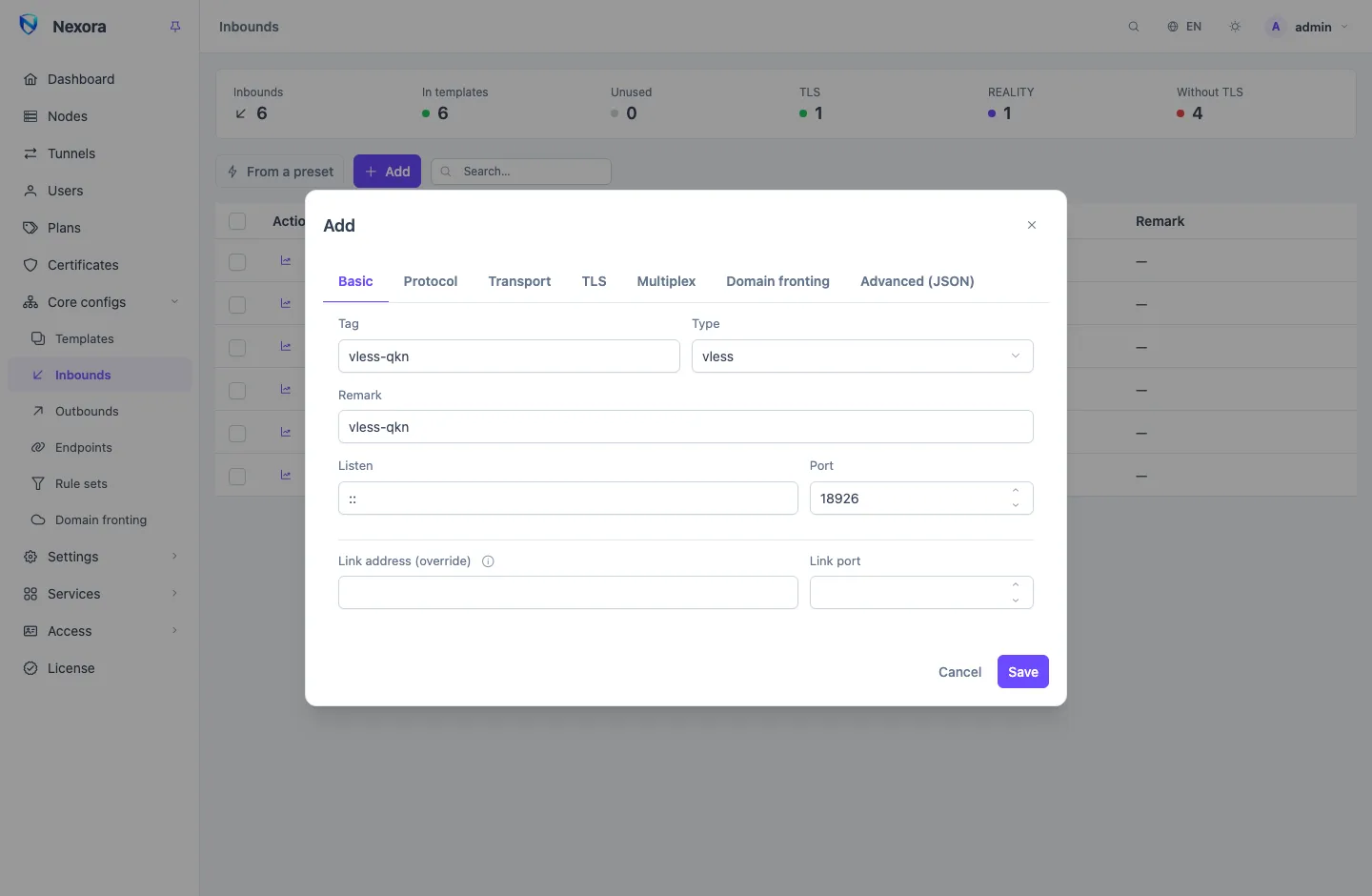
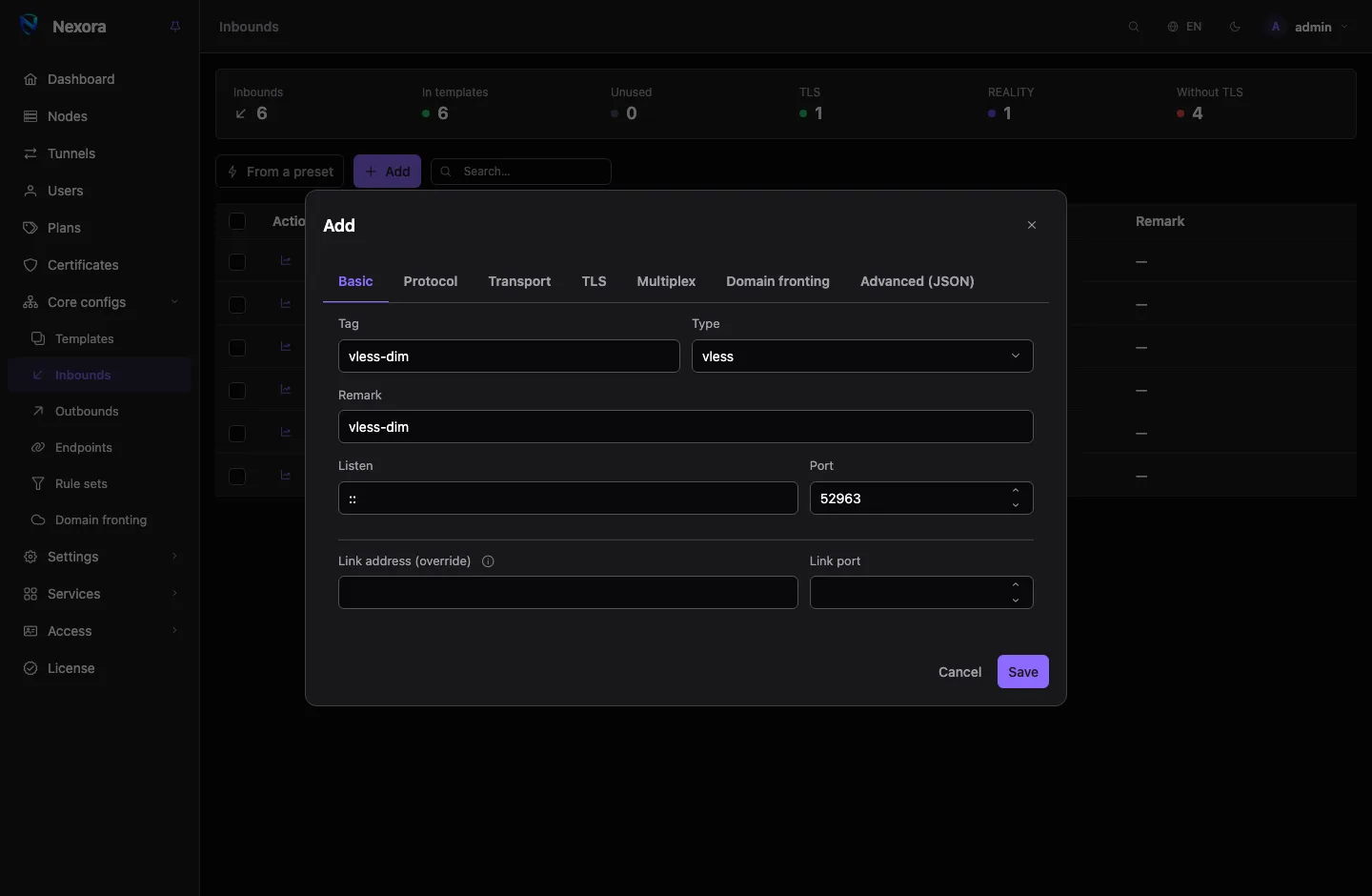
Click Add. The form has a tab per part of the inbound; tabs that do not apply to the chosen type are hidden.
| Tab | What you set |
|---|---|
| Basic | Tag, Type, Remark, Listen address and Port, and the link address override |
| Protocol | The protocol's own options |
| Transport | For VLESS, VMess and Trojan: plain TCP, WebSocket, gRPC, HTTP, HTTPUpgrade, QUIC, XHTTP or mKCP, with its path and options |
| TLS | None, TLS or REALITY, the certificate, and the client settings |
| Multiplex | Server-side multiplexing, for the protocols that support it |
| Domain fronting | The CDN fronts on this inbound. See Domain fronting |
| Advanced (JSON) | The whole inbound as JSON, for an option the form does not show |
The Tag names the inbound everywhere: routing rules, ingress routes and traffic history all refer to it. It is fixed after creation. Use Remark for the display name.
TLS
The TLS tab is a three-way choice: None, TLS or REALITY. Some protocols require TLS and do not offer None.
TLS serves a certificate. Choose where it comes from under TLS certificate:
| Choice | Meaning |
|---|---|
| Node certificate | The certificate the node itself holds, managed from the node's row. Each node serves its own. |
| A stored certificate | Any certificate from the Certificates store, by name. The same one is served on every node. |
| Own certificate (from config) | Whatever the inbound's own fields hold: pasted PEM or file paths on the node. |
With a node or stored certificate, the panel puts the certificate and key into the configuration it sends, and a renewal reaches every node using it on its own. If an inbound ends up with no certificate at all, a node's Fallback certificate is used, when one is set on the node.
REALITY needs no certificate. The panel makes the key pair and a set of short IDs when you save; Generate a new keypair + short IDs replaces them. Each link picks one short ID at random. REALITY is offered for VLESS, VMess, Trojan, HTTP and AnyTLS. See VLESS with REALITY.
What goes into links
Some settings are for users' apps only and never reach the node. They decide what the panel writes into links and subscription profiles.
On the Basic tab:
- Link address (override) and Link port: advertised in links instead of the node's own address and the inbound's port. Use them behind a port forward. For a node with several public addresses, use the node's link addresses instead (see Nodes).
On the TLS tab, Client settings (links & subscriptions):
- Server name (SNI), ALPN, uTLS fingerprint and Allow insecure for the app's side of the TLS connection.
- Public key SHA-256 pin: computed from a self-signed certificate and put into subscriptions automatically, so apps trust exactly that certificate.
- Handshake fragmentation options, which only the apps that understand them receive.
- With REALITY, the uTLS fingerprint and an optional public key override.
These values are merged with the ones set on the certificate and on the node. The inbound's own value wins, then the node's, then the stored certificate's. A change here is live on users' next subscription fetch; nothing is sent to nodes.
Users
You do not list users on an inbound. Every user who belongs to a template that carries the inbound is provisioned on it, with their own credentials, on every node of that template. See Templates and Users.
Reachability
The Listen column says how users reach each inbound:
| Shown | Meaning |
|---|---|
| An address and port | The inbound has its own port and is reached on it. |
| via tag | The inbound has no port of its own; an ingress routes to it. |
| Unreachable | No port and no ingress route. The node binds it to loopback, and it is left out of subscriptions until you give it a port or add it to an ingress. |
The link address, when one is set, shows under the listen address.
Editing and duplicating
Edits go live on every node that serves the inbound. Most changes are applied without touching other inbounds. Some protocol options are also written into users' links: change those and users must refresh their subscription before they can connect again. The protocol pages say which options these are.
Duplicate copies an inbound under a new tag and port. Bulk actions apply to every ticked row.
Deleting an inbound
Deleting removes the inbound from every template and node that served it. The panel refuses the delete while something else still names the inbound by tag, such as an ingress route or a routing rule, and lists those references. Remove or repoint them first, then delete.
Related
- Protocols: each protocol and its options.
- Templates: how an inbound reaches nodes and users.
- Certificates: the certificate store.
- Domain fronting: putting a CDN in front of an inbound.
- From a template to a link: how links are built.